Cloud Outage Alerts in Atlassian Jira Service Management
Create Atlassian Jira Service Management tickets automatically when 1125+ critical services go down. Help your IT team respond faster and communicate outages to users effectively.

Features
Track Vendor Outages and Internal Incidents in Jira Service Management
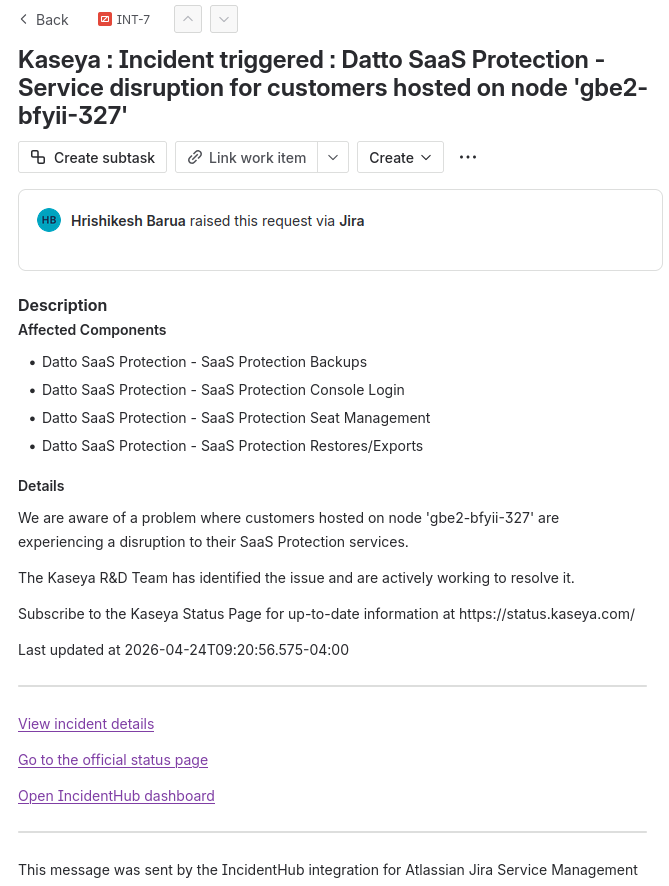
When MS 365 or Zoom goes down, user requests flood your helpdesk. IncidentHub automatically creates Jira Service Management tickets when third-party services experience outages, enabling your team to identify patterns in customer reports and respond with accurate information immediately.
Auto-create Atlassian Jira Service Management tickets when Google Cloud, Microsoft 365, or other critical third-party services go down
Give your IT team unified visibility into both internal failures and third-party dependencies in one incident management platform.
Respond to users with accurate root cause information instead of "we're investigating"
Only outage start alerts sent to Atlassian Jira Service Management - no ticket spam from every status update

Calculate True MTTR by Tracking Third-Party Alerts in Jira Service Management
Customers appreciate transparency. When IncidentHub creates JSM tickets for vendor outages, your support team can quickly draft customer communications explaining the situation, share ETAs from vendor status pages, and maintain customer trust during disruptions.
Jira Service Management tickets include vendor status page links for customer communication templates
Separate JSM incidents for vendor outages from internal issues
Identify how much downtime is caused by third-party vendors vs internal issues
Report to leadership with precise accountability - internal team performance vs vendor reliability
Track vendor SLA violations with timestamped JSM incident records

Coordinate Major Incident Response for Cloud Outages in JSM
Support teams need alerts, not notification overload. IncidentHub creates only one JSM ticket when outages begin - no additional tickets when the same incident updates or resolves. Stay informed without cluttering your ticket management system.
Map critical vendors to high-priority JSM incident types for immediate escalation
Trigger major incident workflows automatically when business-critical vendors go down
Assign vendor outage incidents to incident managers or response teams via JSM automation
Use JSM's collaboration features to coordinate response to cascading vendor failures
Third-Party Alerts in Jira Service Management for IT Infrastructure Dependencies
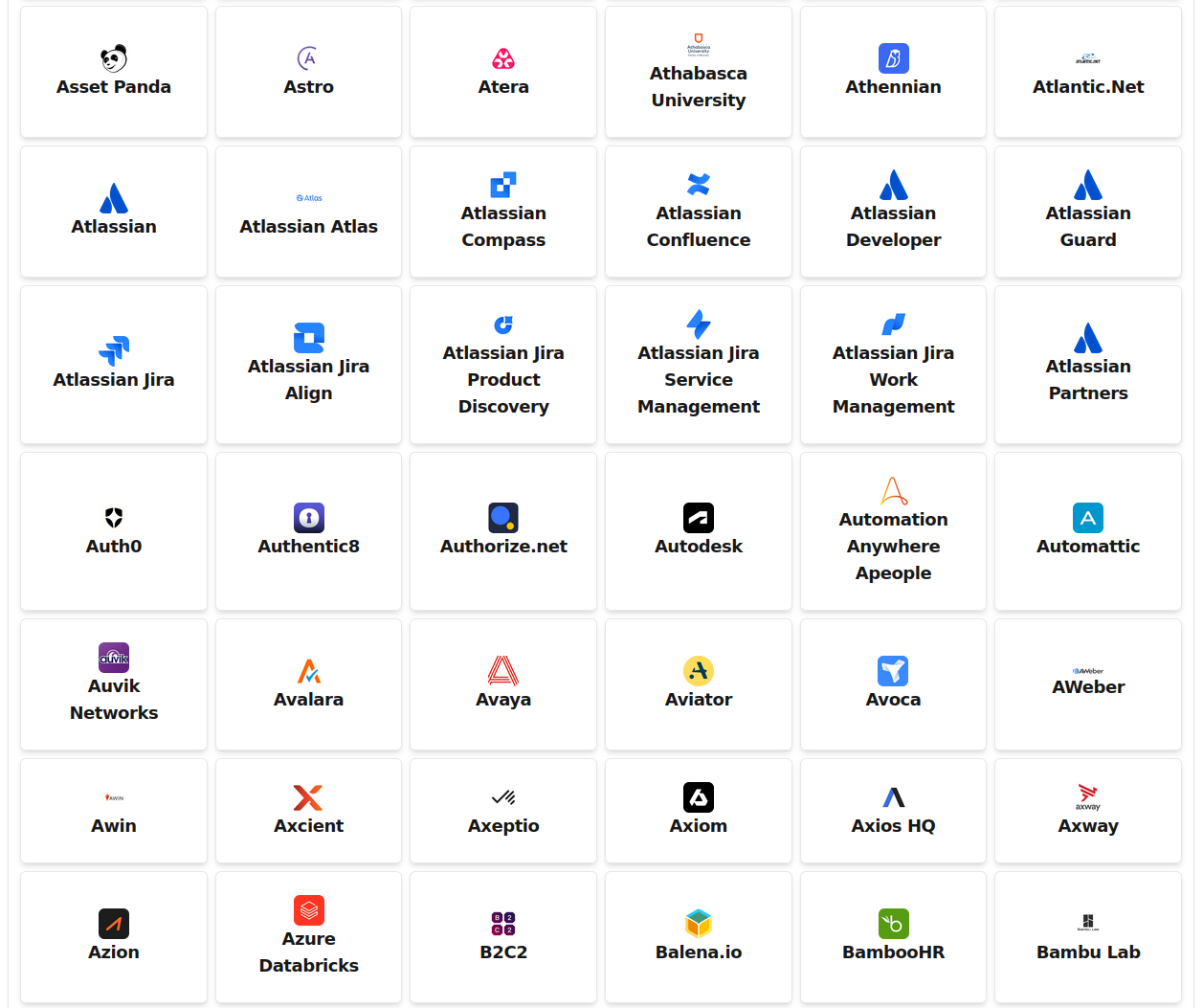
Track every service that impacts your customer experience. Get JSM tickets for cloud infrastructure outages, payment processor failures, communication API incidents, and 1125+ services your customers interact with.
Cloud infrastructure: AWS, Azure, Google Cloud, Oracle Cloud, IBM Cloud
Network & CDN: Cloudflare, Akamai, Fastly affecting application delivery
IT platforms: Microsoft 365, Google Workspace, Atlassian Cloud, ServiceNow
Monitoring & Security: Datadog, Splunk, CrowdStrike, Palo Alto Networks
Deploy Third-Party Alerts to Jira Service Management Across IT Teams
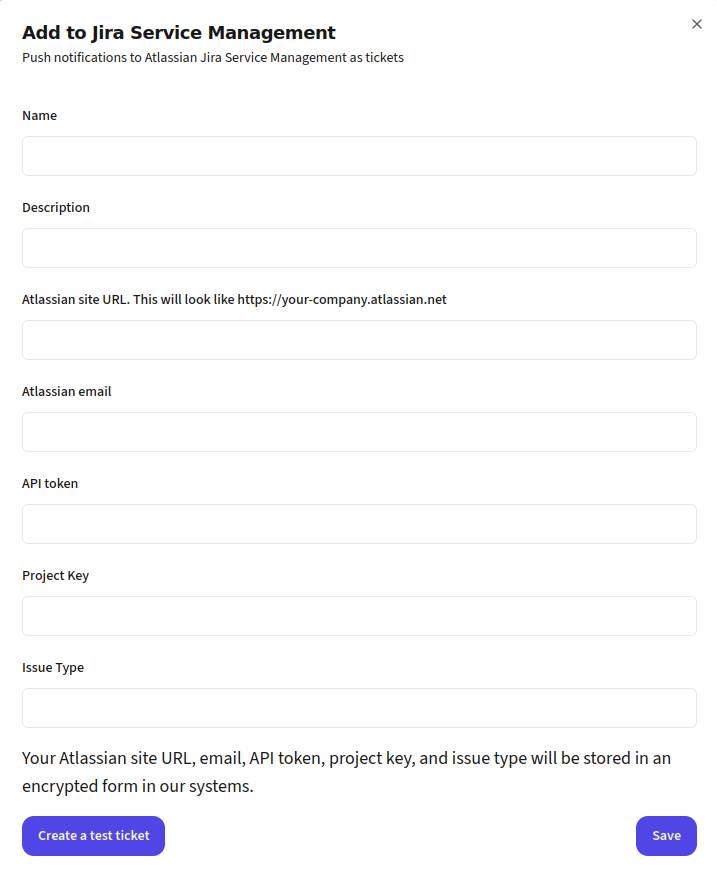
Connect your JSM account via API credentials, select which services create tickets, configure ticket priority and category settings, and test with a sample outage. Equip your support team to handle vendor incidents effectively.
Standard Jira Service Management REST API integration
Map vendors to different JSM projects - infrastructure, applications, security using IncidentHub Teams
Test ticket creation before enabling production alerts
Auto-assign incidents to IT teams using JSM automation rules and service desk queues