One Account. Many Status Pages.
Create multiple isolated status pages from one account - each scoped to its own set of services, brand, and domain. Best for MSPs and agencies managing multiple clients. This is available on our Multi-Client tier.
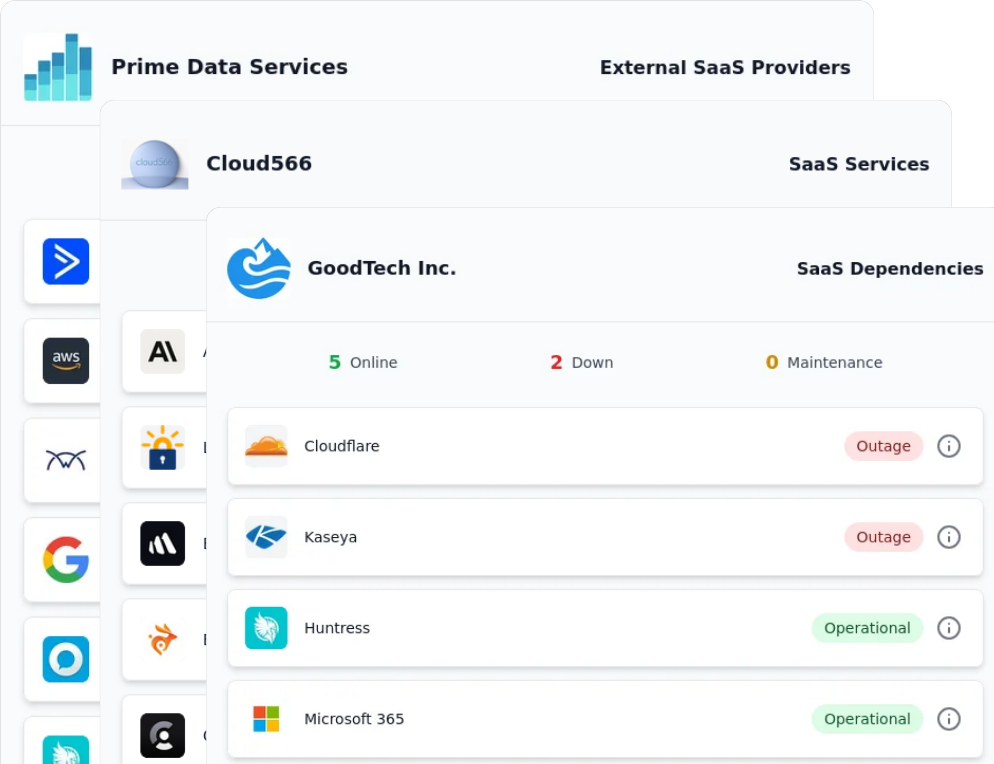
One Status Page Can't Serve Everyone
A single status page shows every service to every viewer. When you manage services on behalf of distinct groups, each group should see only what's relevant to them, and shouldn't see anyone else's services. Per-client status pages solve this by letting one account generate many separate, independently-scoped pages. If you are an MSP or an agency managing multiple clients, you want your clients to see only their services and status, not the services and status of other clients.
Many Isolated Status Pages, One Account
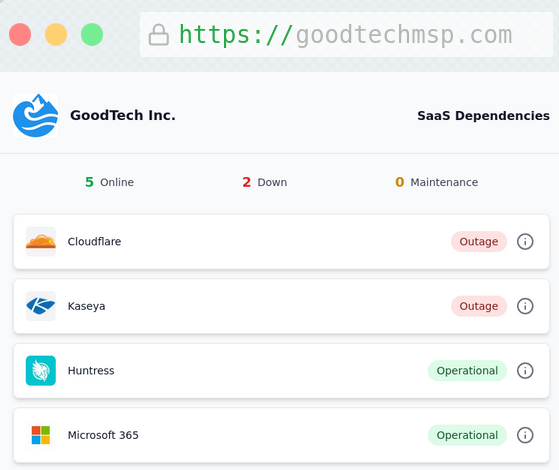
From a single IncidentHub account, you create up to 50 status pages (in our Multi-Client tier). Each page is filtered to a specific subset of your monitored services, so a given page displays only the services assigned to it. Pages are independent: each has its own service scope, branding, title, and domain, and viewers of one page cannot see the services or status of another.
Page-level Isolated Views
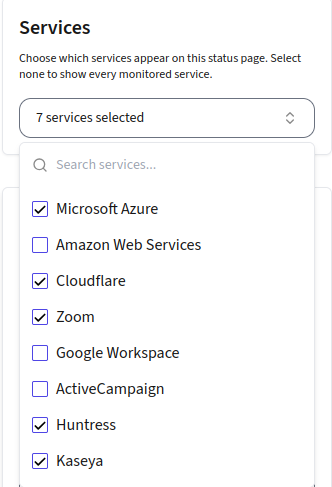
Service Components View
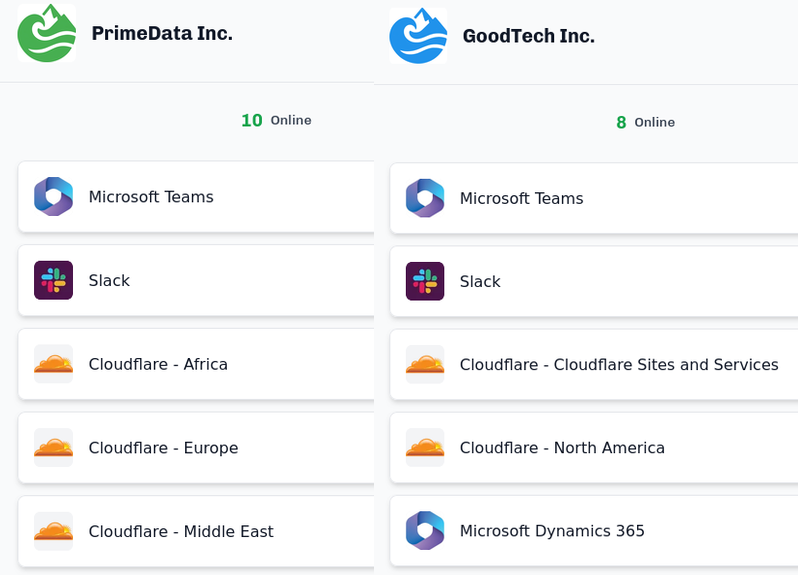
Per-Page Branding
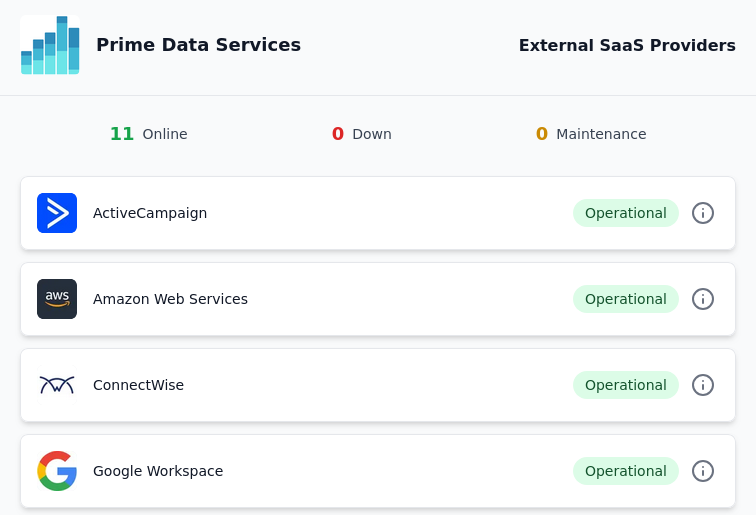
Custom Domain For Each Status Page
Duplicate to Create 50+ Pages Quickly
Optional Access Control
Set Up Per-Client Status Pages in 4 Simple Steps
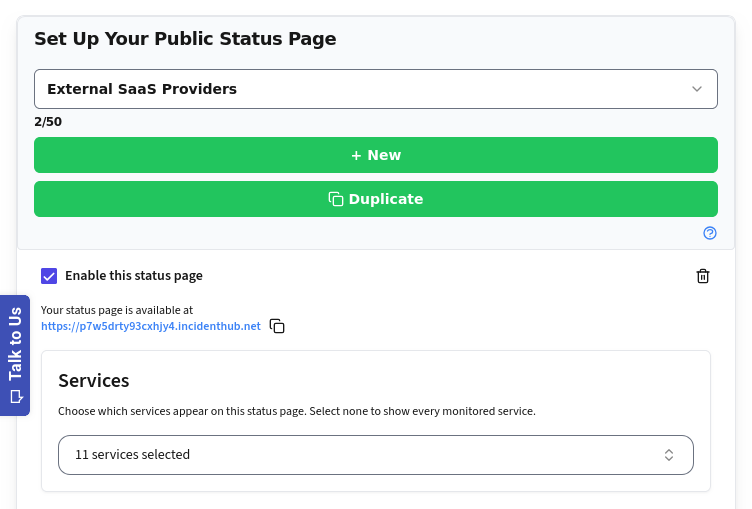
Add or Duplicate a Status Page
Add a new status page or duplicate an existing one to create a new one. You can add up to 50 status pages in our Multi-Client tier.
Choose Services for the Page
Choose which of your monitored services to display on each page. The page renders only those services and their status - nothing else from your account appears.
Add White-Labeling
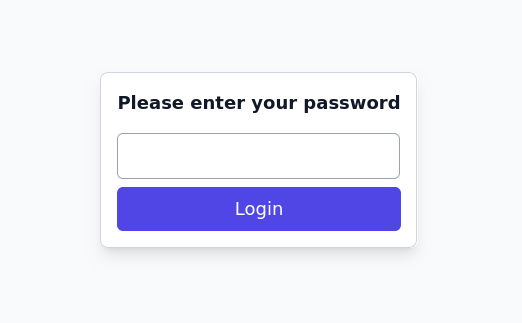
Optionally, whitelabel the page with your client's own logo, title, company name, and support email. Add password protection if needed.
Share the Page with Your Client
Share each client's page with them so they can view only their services and status.