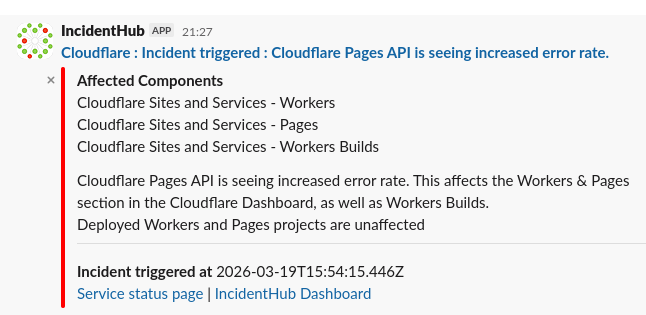
Take Control of Your Vendor Outage Alerts
IncidentHub's sophisticated alert filtering gives you fine-grained control over every vendor's alerts. Multiple knobs let you tune your alerts at the level of each vendor. Switch off specific alert types and route alerts to different teams and integrations.
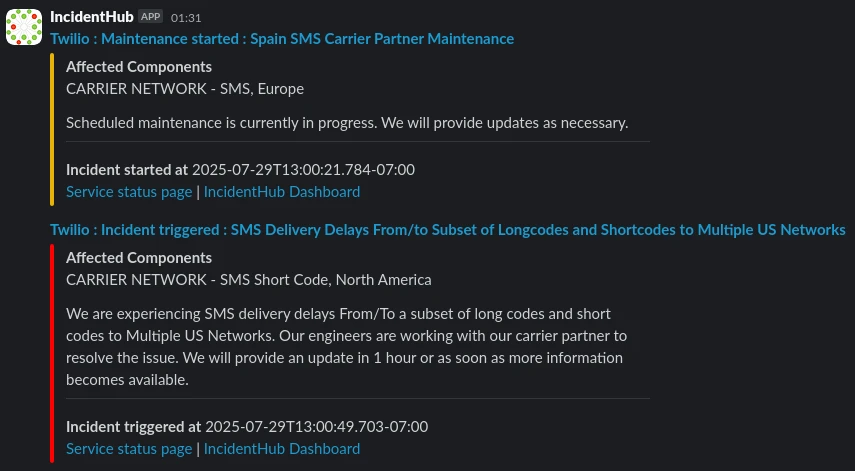
The Problem With Manually Hooking Up Status Page Alerts
Third-party vendor alerts originate from data sources that are outside your control. Even if you manage to find and hook up 100 RSS feeds to your Slack, the end result does not work as you expect it to.
Heterogeneous Alert Sources
Some status pages have RSS feeds, some have webhooks, some have email alerts, some have no way to subscribe to alerts at all. There is no way to pipe these into a single channel of your choice.
No Standardized Incident Formats
Different status pages have different formats, so a custom parser you might want to write for one vendor will not work for another. Vendors using the same status page provider have the same format, but there are many such providers.
Noisy Services
Many global services have ongoing maintenances at regional datacenters, leading to a lot of noise if you subscribe to the status page updates.
Status Page Alerts are All or Nothing
Subscribing to status page alerts sends you all updates for an incident, irrespective of whether they are relevant to you or not. An incident can have 10+ updates between start and resolution.
The IncidentHub Filtering Philosophy
Configure Once, See Everywhere
You configure component filters once - and that configuration reflects across all your dashboards, public status pages, maintenance widget, affected components popup, Slack/MSTeams/Email notifications, ticketing systems, and historical trends graphs. This prevents unnecessary alerts and outage indicators in your dashboards and notification channels.
Real-Time Alerts With Sophisticated Filtering
IncidentHub gives you fine-grained control over which vendor service components and incident types generate alerts, which alerts reach which teams, in which channel. No more alert fatigue or missed alerts.
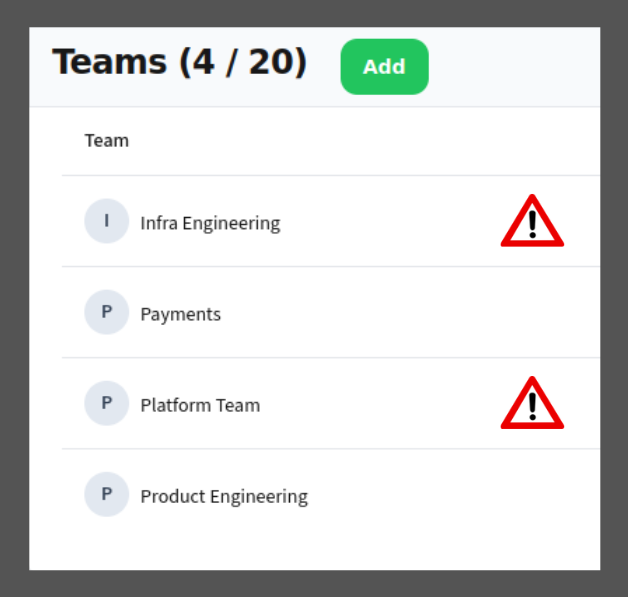
Team-based Alert Routing
Component Filtering
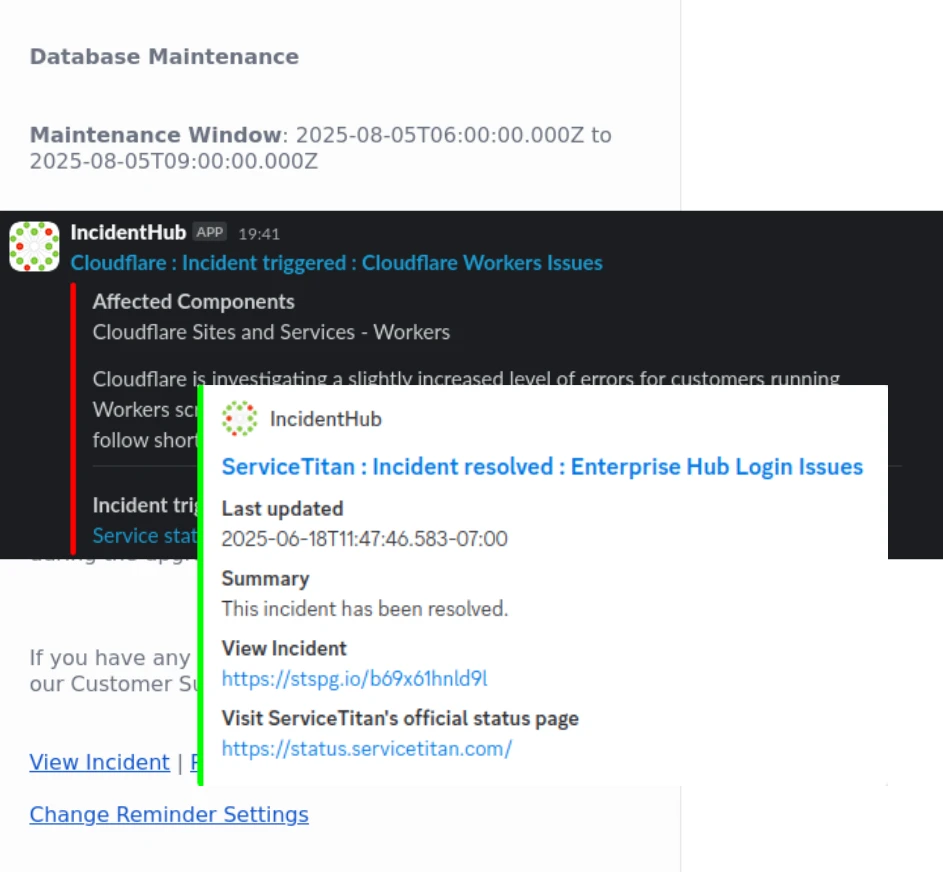
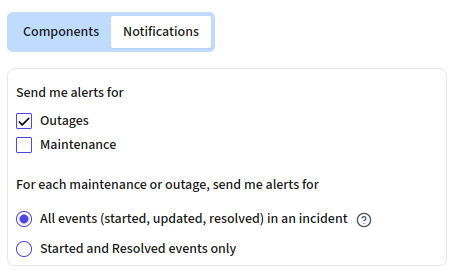
Incident Lifecycle Filters
Turn-off Maintenance Alerts per Service
Your Components First in Multi-Component Outages