Every Team Sees What's Relevant to Them
Create multiple, independent teams - each with its own set of monitored services, alert filtering settings, historical trends, notification channels, and public status page. Perfect for larger organizations to keep track of the health of their team-specific vendors independently.
The Problem : Different Teams, Different Needs
A single IncidentHub account shared across Engineering, Ops, and IT Support means everyone gets alerts for everything. The Ops team doesn't care about Zendesk outages. The IT support team doesn't care about GitHub CI/CD pipeline issues. Without teams, alerts become noise and noise gets ignored.
Keep Your Vendor Monitoring Organized with IncidentHub Teams
A Team is an independent sub-account inside an IncidentHub account. Teams let you manage different sets of monitored services, alert filtering settings, historical trends, notification channels, and status pages independently of each other. All within the admin boundaries of a single IncidentHub account.
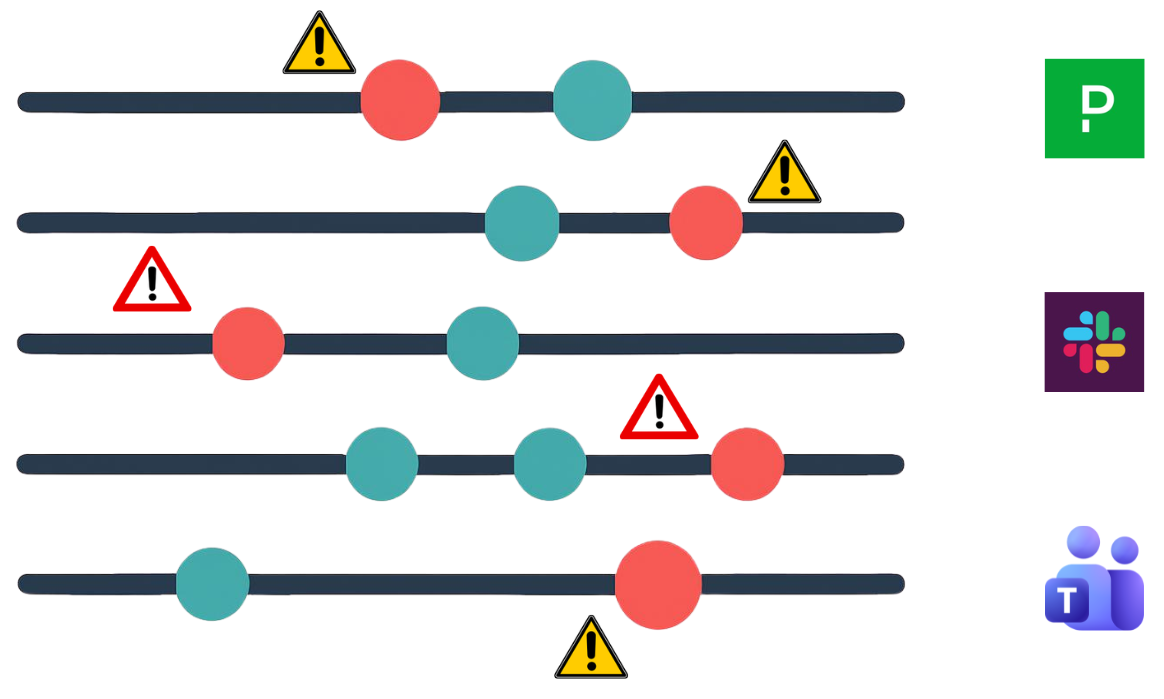
Route Alerts to the Right Team
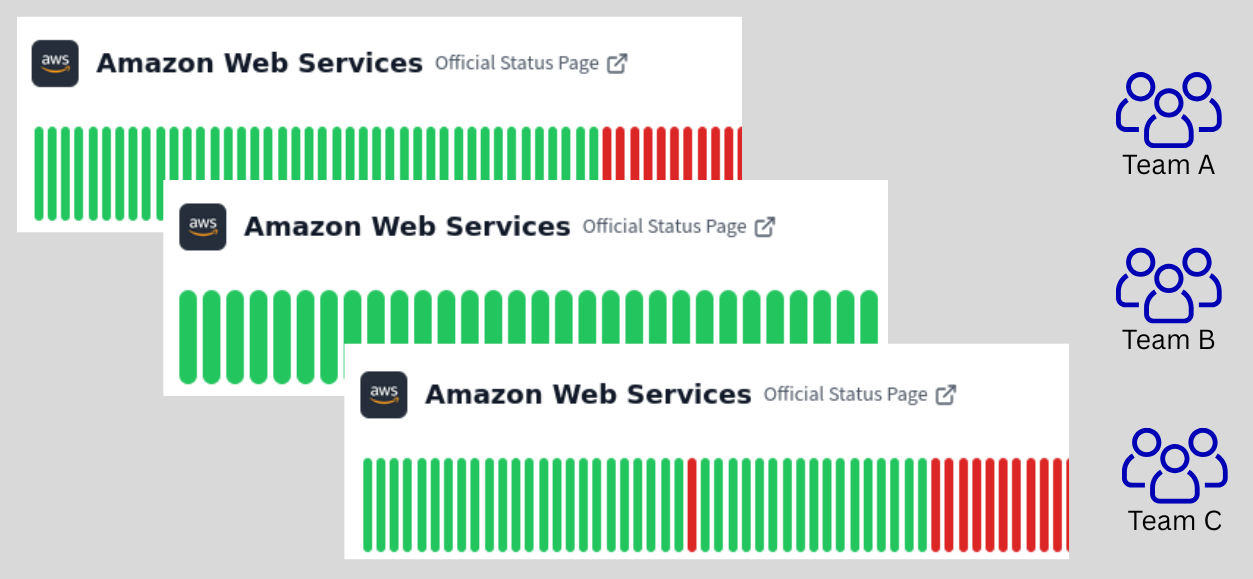
Manage Overlapping Vendors Smoothly
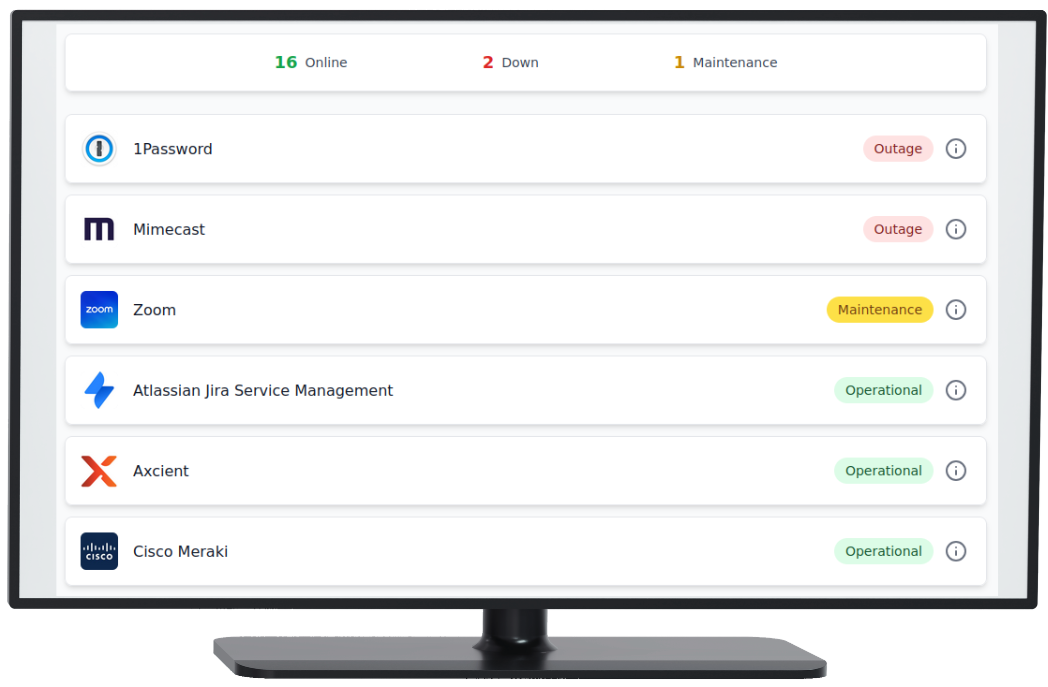
Some Teams Prefer Alerts, Some Prefer Status Pages
How Teams Work
Global Service and Channel Limits
Teams do not have individual service and channel limits. The total number of services and channels in a team add up towards the global limits of your IncidentHub account. This allows flexibility in handling teams with different numbers of services.
Single Admin Boundary
Manage all your Teams from a single admin interface - your IncidentHub dashboard. Add/rename/delete Teams as needed.
Independent Monitoring
Each team has its own set of:
- Monitored services
- Alert filtering settings
- Historical trends
- Notification channels
- White-labeled status page
- Maintenance reminders
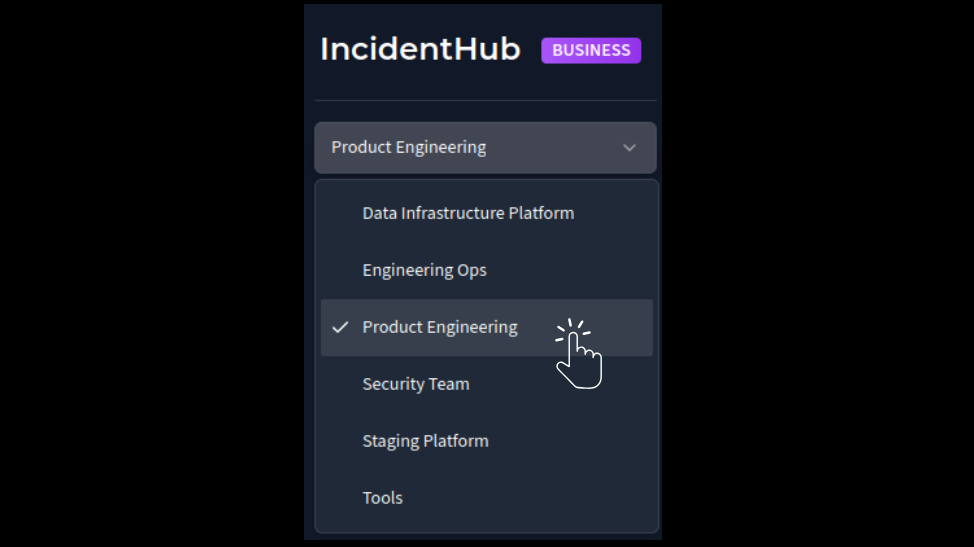
Easily Switch Between Teams
Move between teams quickly from your IncidentHub dashboard using the dropdown menu in the top left corner.