Trusted by 600+ Teams

Track Your Cloud Vendors' Reliability

Access cloud service uptime history and reliability metrics for 950+ vendors. IncidentHub tracks historical outage data over 30 and 90-day periods, helping you analyze service reliability trends, validate SLAs, and make informed vendor decisions based on actual performance.
14-day free trial
No credit card required
Track Your Cloud Vendors' Reliability

The Problem : Scattered Vendor Uptime Data

Third-party vendor uptime data is scattered across multiple status pages. They are in different formats, without any way to aggregate it into a single view. Comparative reliability analysis is impossible and cumbersome at best. Your team experiences the incidents - but has no record of them over time, making it impossible to push back on a vendor or justify switching. How do you track SLAs, assess dependency risk, and take data-driven decisions to build redundancy for unreliable vendors?

Complete Vendor Uptime History

View 30 and 90-day uptime history for 950+ cloud services. Analyze historical outage data, service reliability trends, and vendor performance metrics.

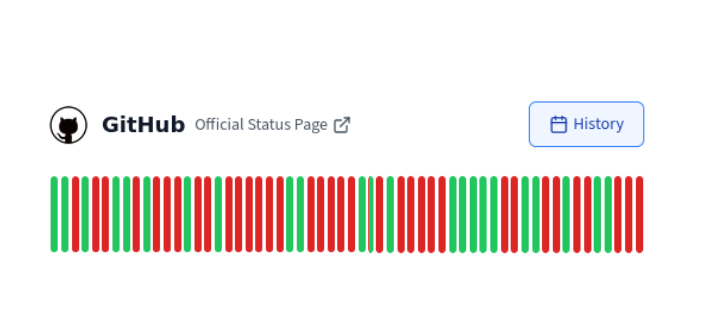
All Vendor Uptime at a Glance
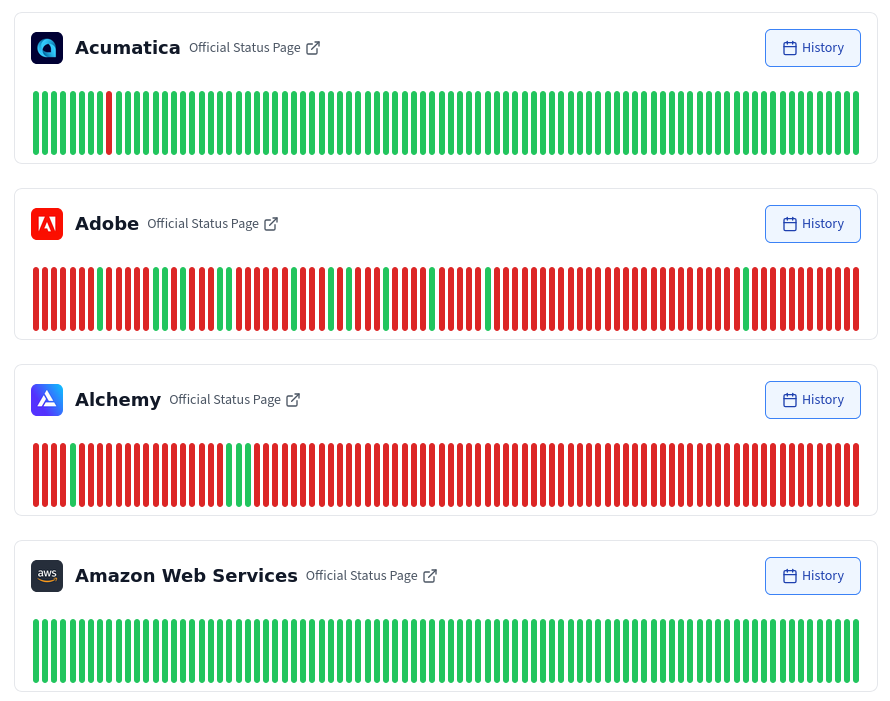
The Availability dashboard shows you the uptime history for all your services at a glance. Analyze cloud service uptime history to identify high-risk vendors, recurring failure patterns, and components with frequent degradation. Use historical outage data to prioritize redundancy and failover investments.
title

Uptime History Auto-filtered by Your Components
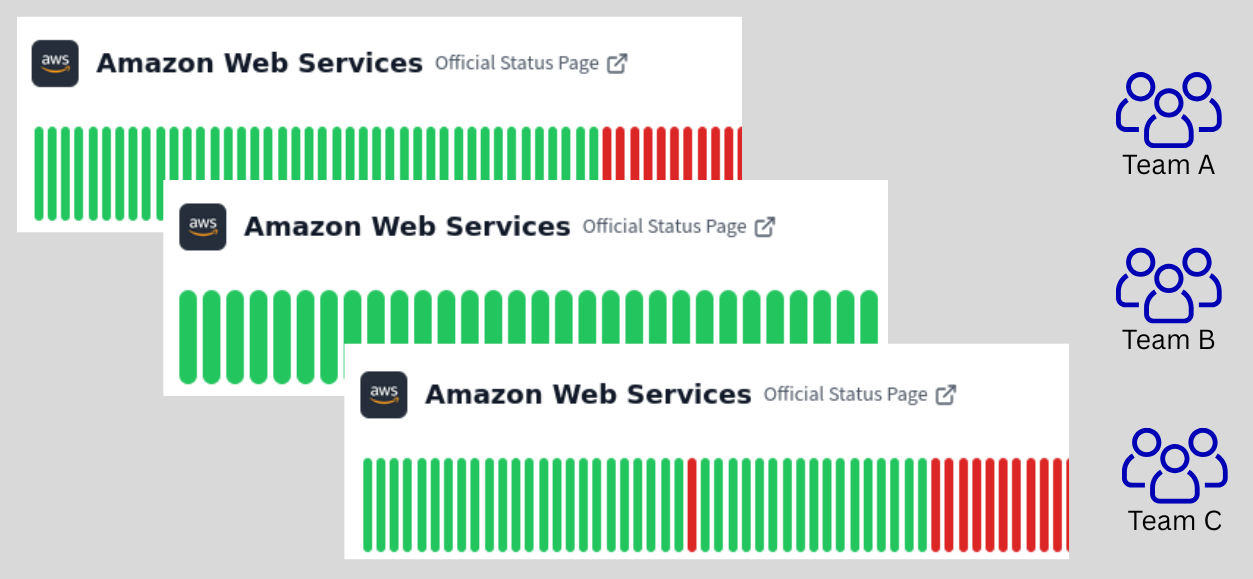
Your incident timeline is auto-filtered by the components you select. If you are using multiple Teams, each Team has its own view filtered by its services' components. Quickly access relevant data for your monitored services.
title

Complete Incident Timeline for Each Vendor
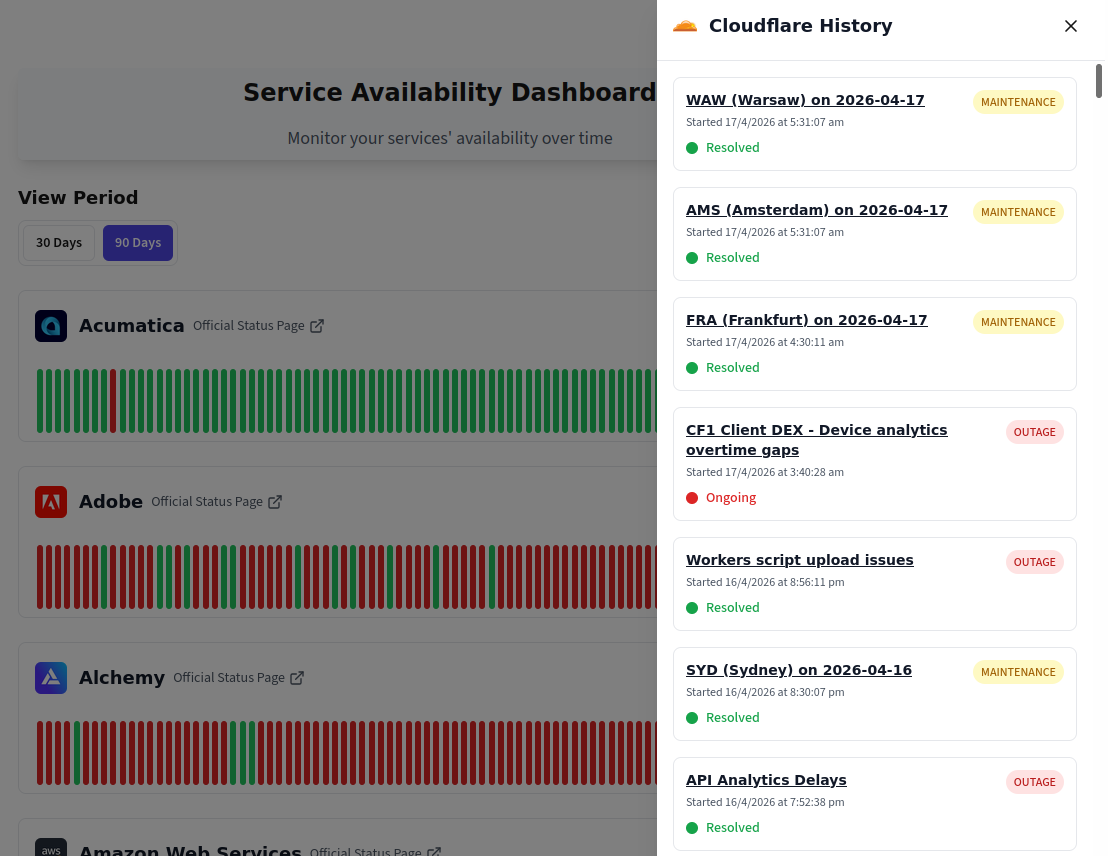
Evaluate cloud providers and SaaS vendors based on actual historical outage data. IncidentHub shows 30 and 90-day uptime history with incidents for 950+ services.
title

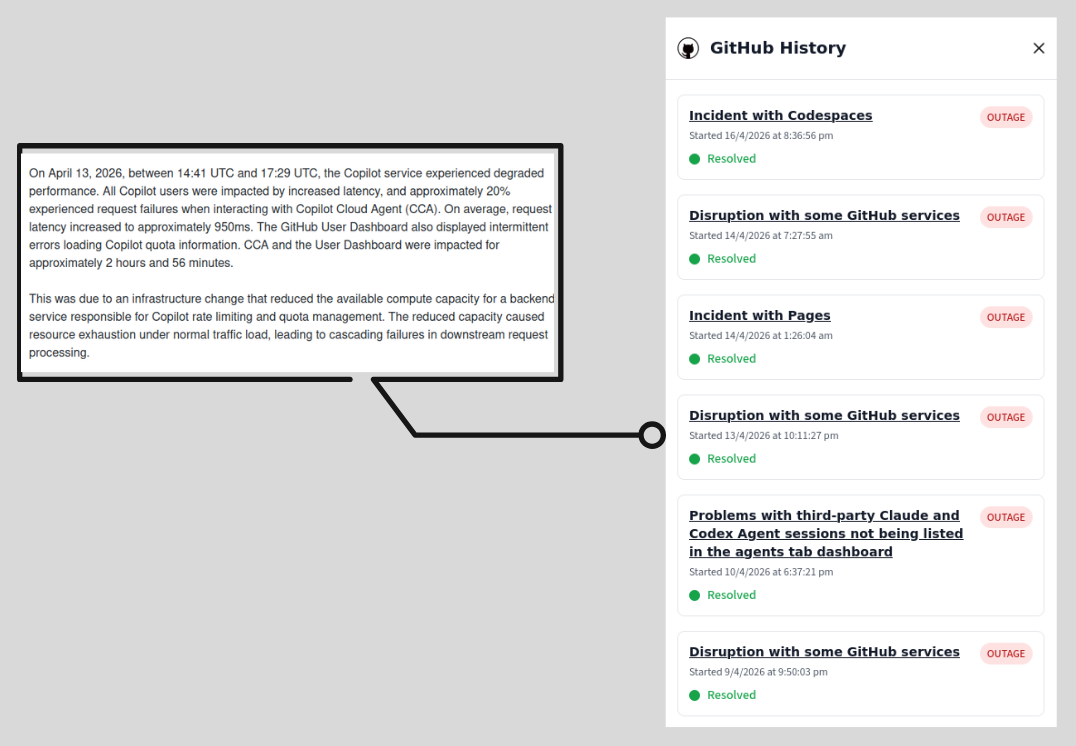
Dig Deeper into Each Incident

The incident timeline includes link to the official status page for the incident with complete details of the incident - including all updates, resolution timeline, and post-mortem reports.
title

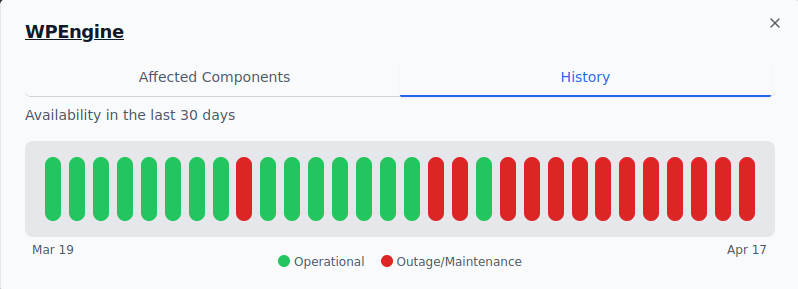
Mini History-widget on your Public Status Page

Each service on your public status page has a mini-widget (click on the 'i') that shows the uptime overview of the service. Your team can quickly assess the overall historical health of your vendors at a glance.
title

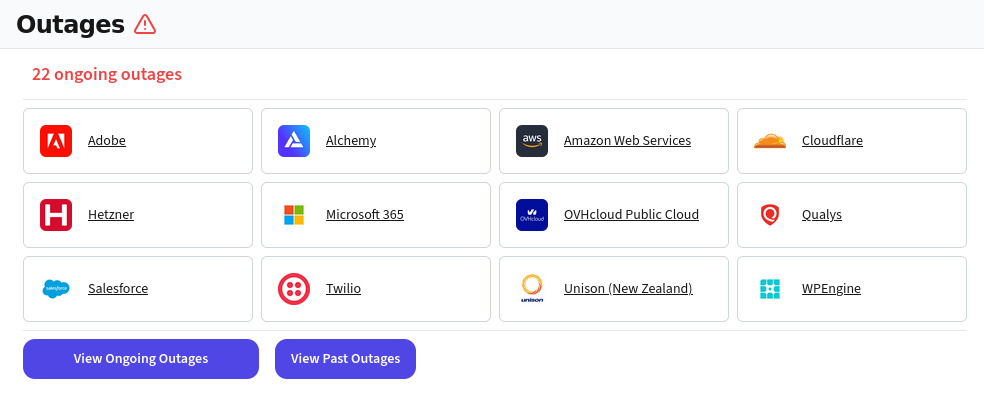
Ongoing Outages at a Glance

A summary of all ongoing outages for all your services is the first thing your team sees on their dashboard. Filter by service to see the details for a specific service. Reduce MTTR by identifying which vendors are down when there is an incident in your application.
title

Frequently Asked Questions

Ask us anything!

support@incidenthub.cloud

Stop being in the dark about the status of your third-party services