Real-Time Outage Alerts for Cloud Services in Slack
Receive real-time outage alerts in Slack for your cloud services. IncidentHub delivers cloud alerts in Slack channels for AWS, Google Cloud, Stripe, and 1125+ other SaaS providers.
Features
Get Real-Time Outage Alerts in Slack the Moment Services Go Down
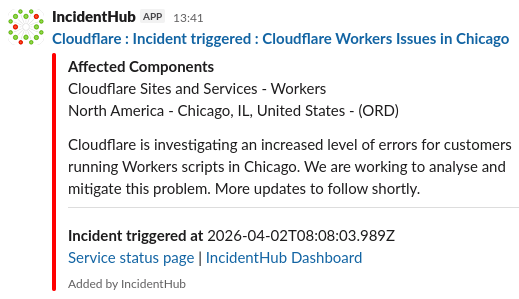
Stop manually checking status pages. IncidentHub delivers real-time outage notifications in Slack within seconds of detecting incidents. Your team stays informed about 1125+ third-party services without leaving Slack.
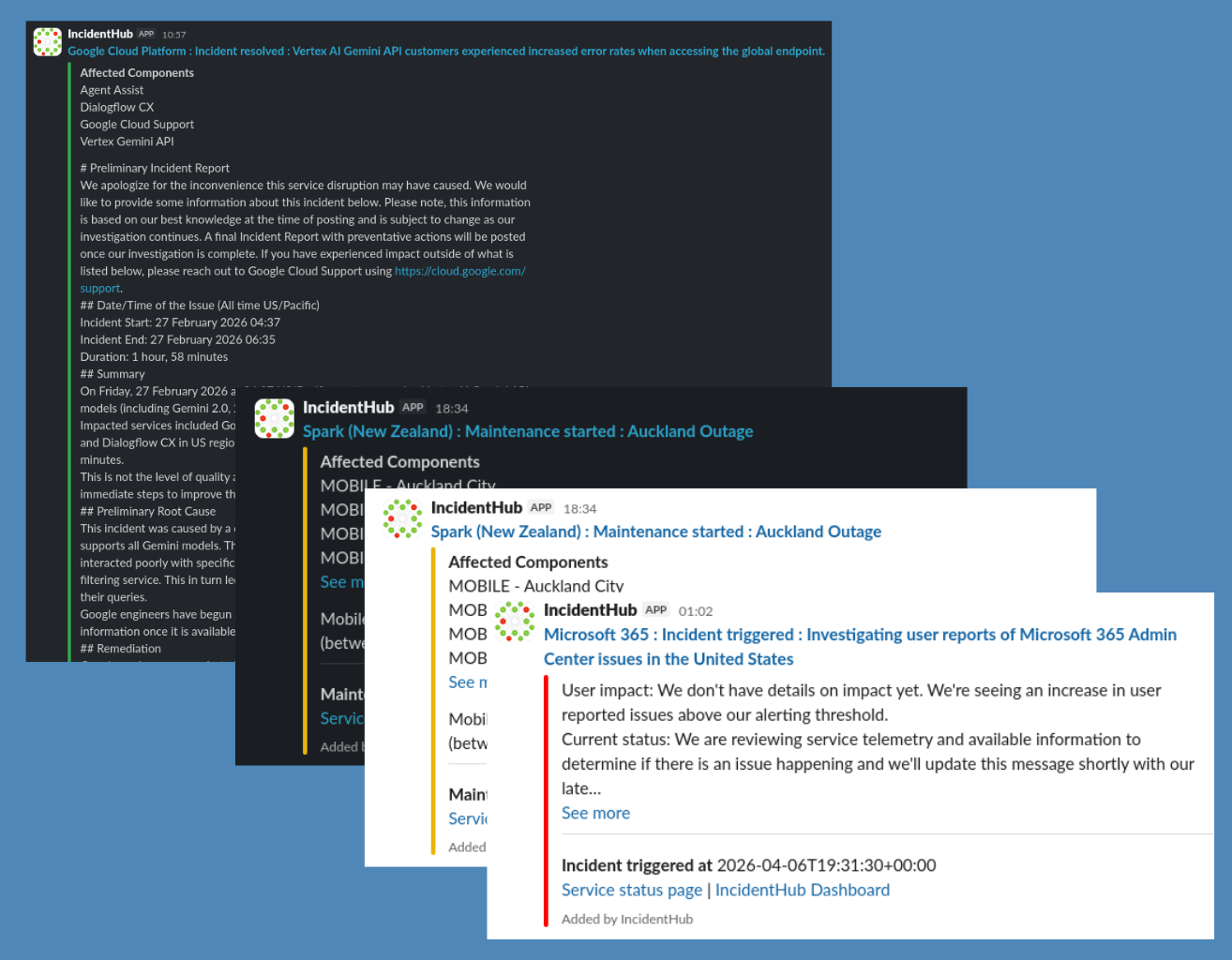
Receive cloud alerts in Slack instantly when AWS, GCP, or Azure experience outages
Get third-party alerts in Slack for critical services like Stripe, OpenAI, GitHub, and Twilio
Rich alert messages include service name, affected components, start time, and link to the detailed incident summary
No delays - alerts arrive in your Slack channels as soon as IncidentHub detects the incident
Route Outage Alerts to the Right Slack Channels for Each Team
Different teams need different alerts. Send AWS outage alerts in Slack to your infrastructure channel, Stripe alerts to payments, and Salesforce notifications to your sales ops team. IncidentHub lets you configure multiple Slack channels customized routing.
Configure unlimited Slack channels for different teams and services
Route cloud alerts in Slack to #infrastructure, third-party alerts to #integrations
Each channel can monitor different services and components independently using IncidentHub's Teams feature
Team members only see relevant outage notifications in Slack - no alert fatigue
Filter Cloud Alerts in Slack by Component, Region, and Lifecycle
Not every AWS EC2 region matters to your application. With IncidentHub's granular alert filtering, choose specific components (like EC2), filter by region (like us-east-1), and control notification types (start/end/everything) to eliminate noise while catching critical outages.
Filter outage alerts in Slack by regions, zones, or services
Your chosen components are shown first in the alert message for multi-component outages
Monitor only the components you depend on - ignore irrelevant services
Choose between full incident lifecycle updates or just start/end notifications
Turn off maintenance alerts for low-criticality services
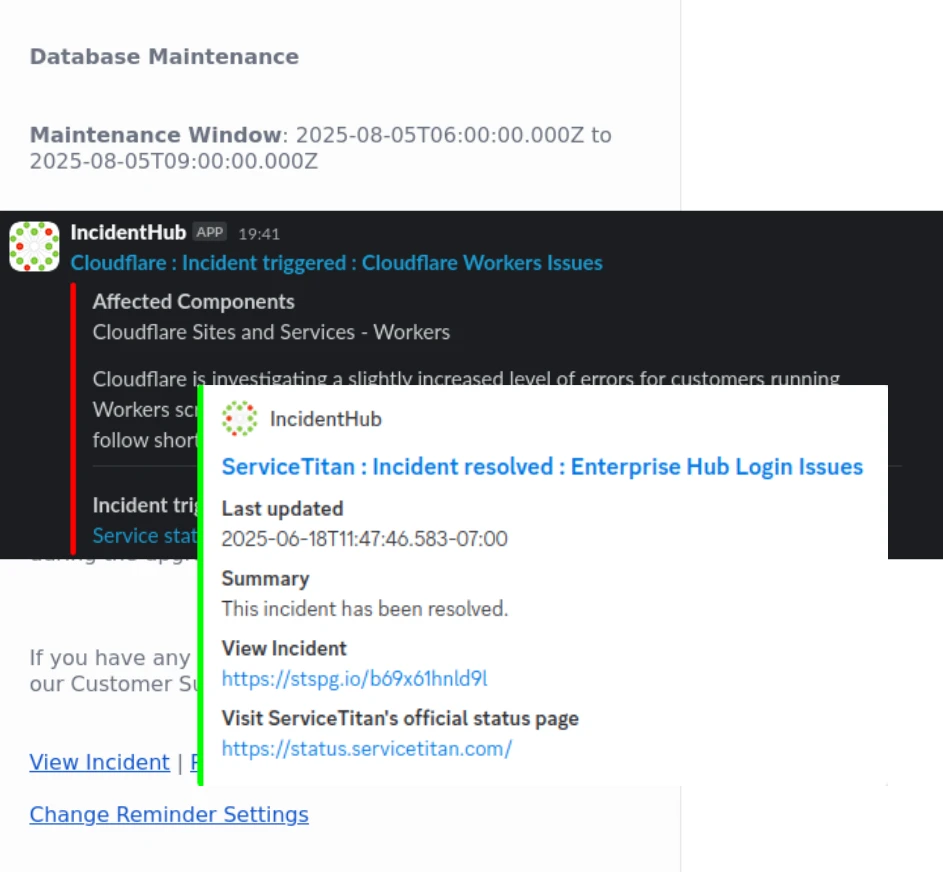
Third-Party Alerts in Slack for 1125+ Cloud Services
Monitor your entire technology stack from Slack. One Slack integration covers all your cloud and third-party dependencies.
Get cloud alerts in Slack for your entire cloud infrastructure stack
Receive alerts for payment providers (Stripe, PayPal), communications (Twilio, SendGrid), and AI services (OpenAI, Anthropic)
Monitor developer tools (GitHub, GitLab), collaboration (Zoom, Microsoft 365), and security services
New services added regularly and on request

Start Receiving Real-Time Outage Notifications in Slack in Under 2 Minutes
No complex configuration. Add the IncidentHub app to your Slack workspace, select the services you depend on, choose your Slack channel, and you're done. Start receiving outage alerts immediately.
Official IncidentHub integration approved by Slack and listed in Slack's marketplace
One-click Slack workspace integration - no API keys or webhooks to configure
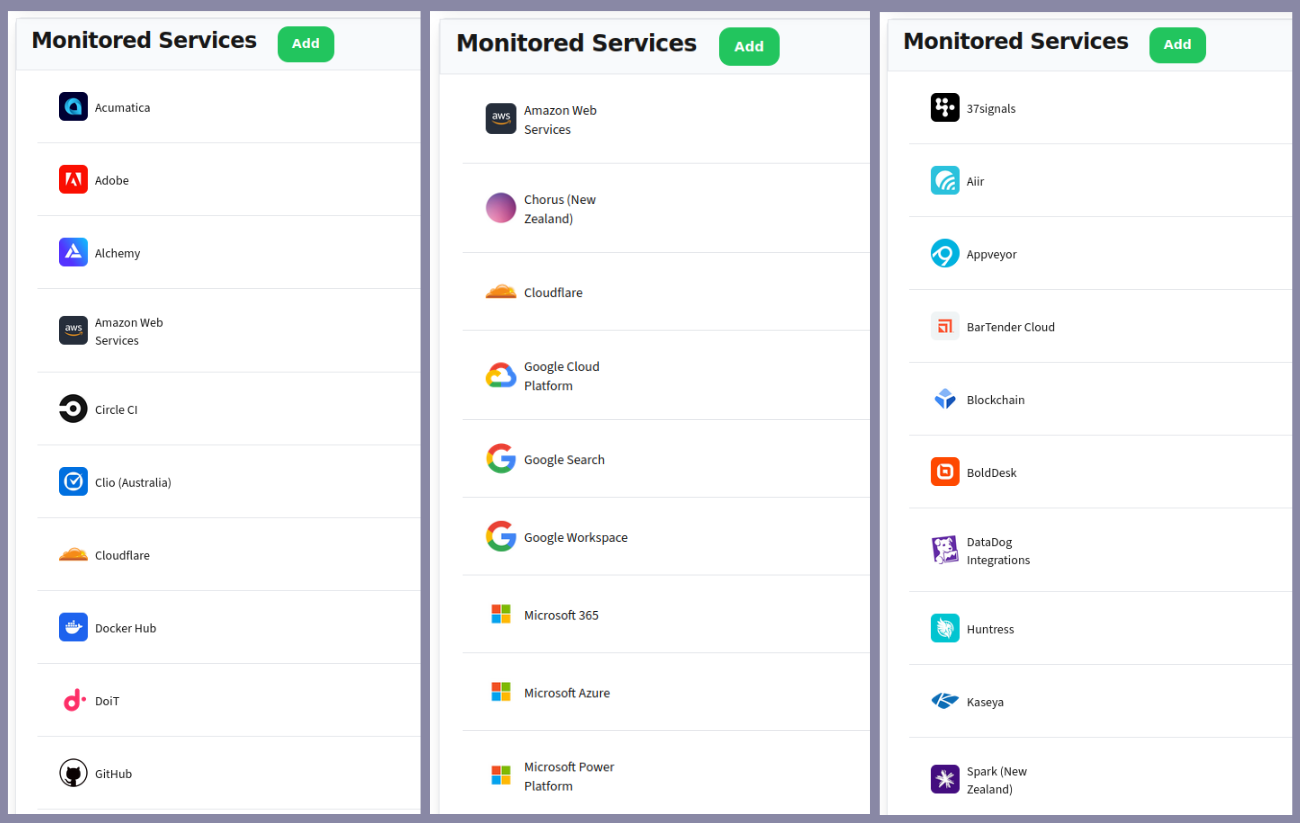
Select from 1125+ cloud and SaaS services to monitor
Choose which Slack channels receive which alerts with a simple interface using Teams
Test alerts instantly (and anytime later too) to verify your configuration works correctly