Real-Time Vendor Monitoring That Actually Works
The vendor outage monitor and status page aggregator that watches 1125+ third-party services in real time - and alerts your team the moment a critical vendor goes down.
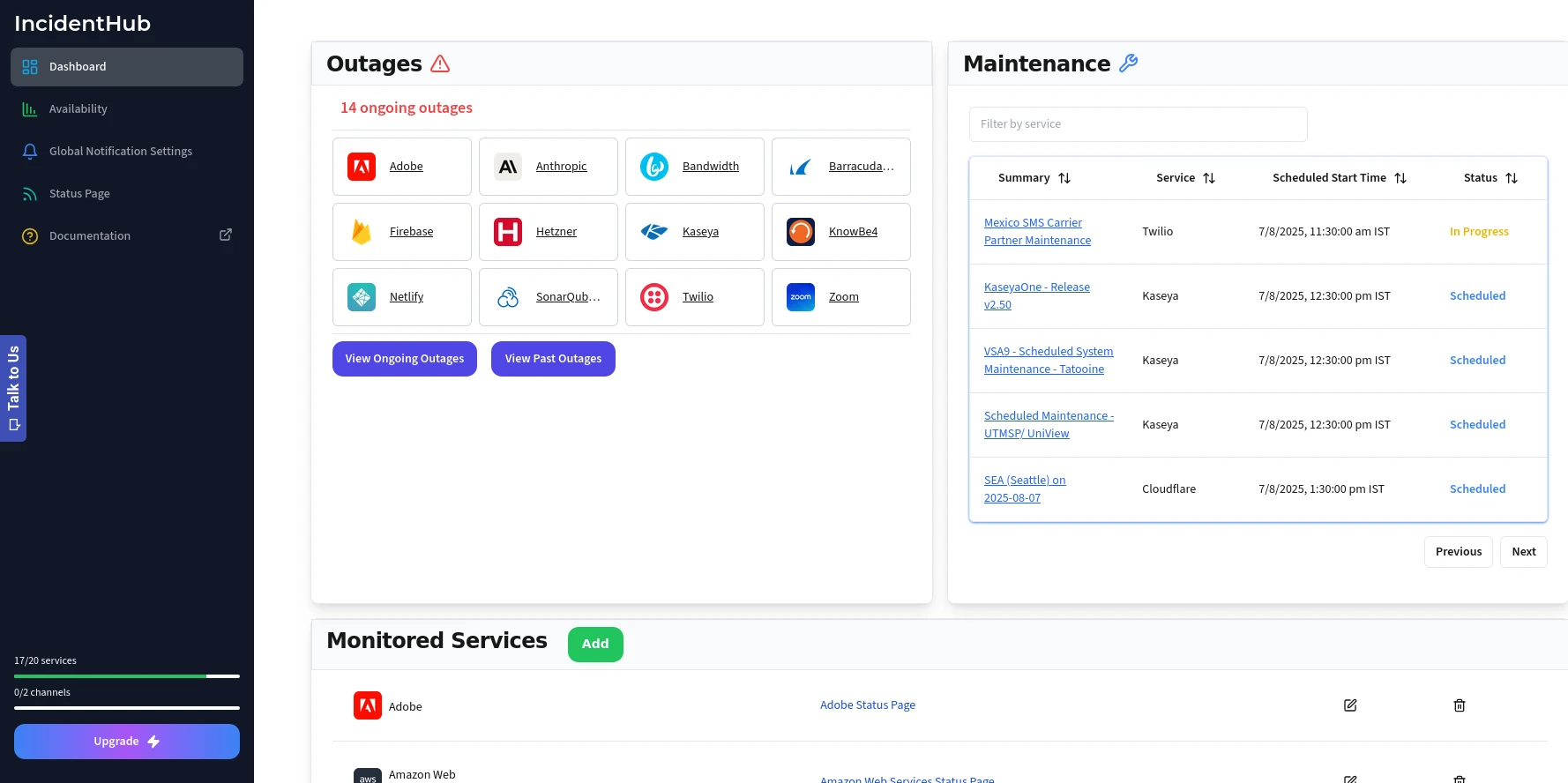
Features
Monitor 1125+ Vendors
All your Cloud, SaaS, Utility vendors in one place. We add new services regularly and on request.
Track all services you depend on
Outage alerts and maintenance reminders - all together in one place.
View active incidents at a glance
See which of your dependencies have outages on a single status page.
Private status page ingestion
Fetch health data from your Microsoft Azure, Microsoft 365, Infor CloudSuite health endpoints using official APIs and track them alongside your other vendors.
Easily drill down into details
Dig deeper into the details of an incident for debugging.

Sophisticated Real-Time Alerting
Get notified only when it really matters. Fine tune for each vendor.
Choose components to monitor
Monitor only the components you are interested in.
Turn off selected alerts
Turn off maintenance alerts for a vendor.
Choose alert lifecycle
Get only incident start/end alerts for low-criticality vendors and all updates for high-criticality ones.
Auto-detect components
IncidentHub can automatically detect components for some of your vendors.
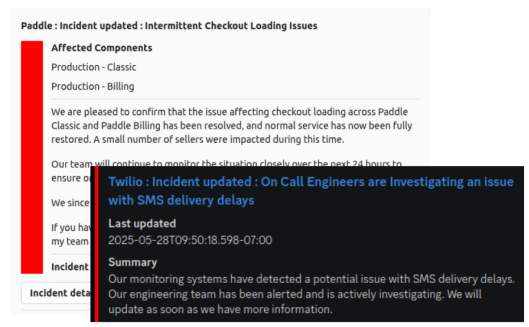
Get Alerts in Tools You Already Use
Alerts go directly into your team's workflow.
Use your existing tools
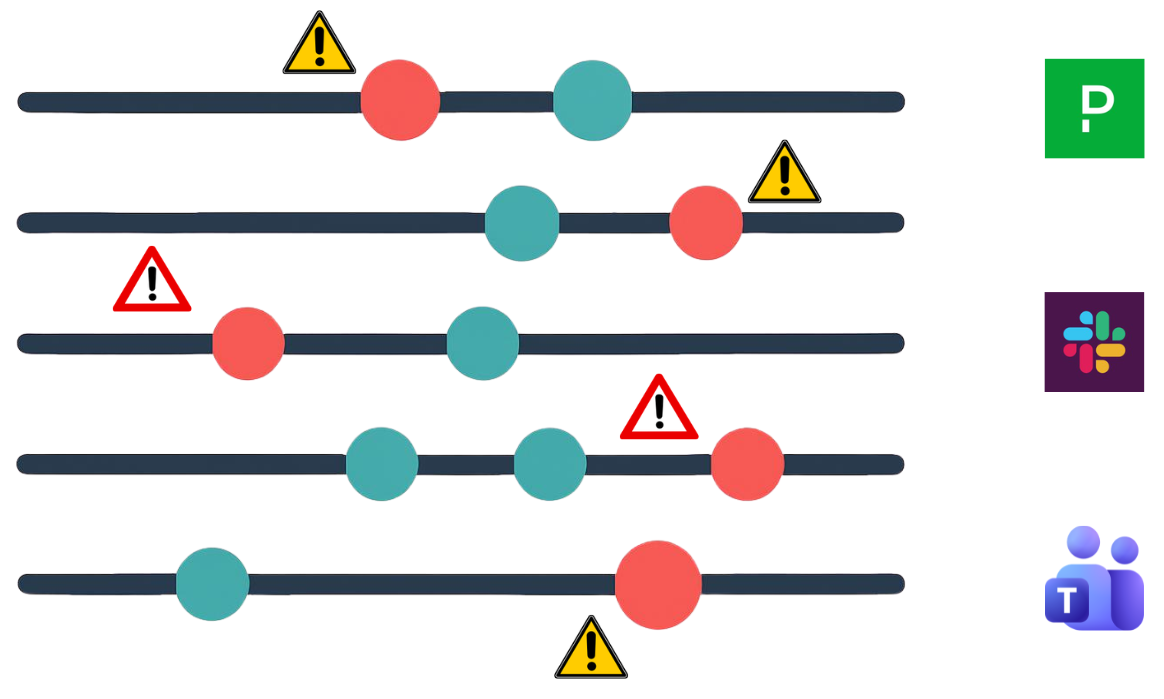
Integrate with Email, Discord, Slack, PagerDuty, and Microsoft Teams.
Integrate with your custom systems
Connect to any tool with custom webhooks.
API integration
Use our API to build your own custom integrations.
Integrate with ticketing systems
Help your support team stay on top of third-party outages with Zendesk, Freshdesk, BoldDesk, and Atlassian Jira Service Management integration.

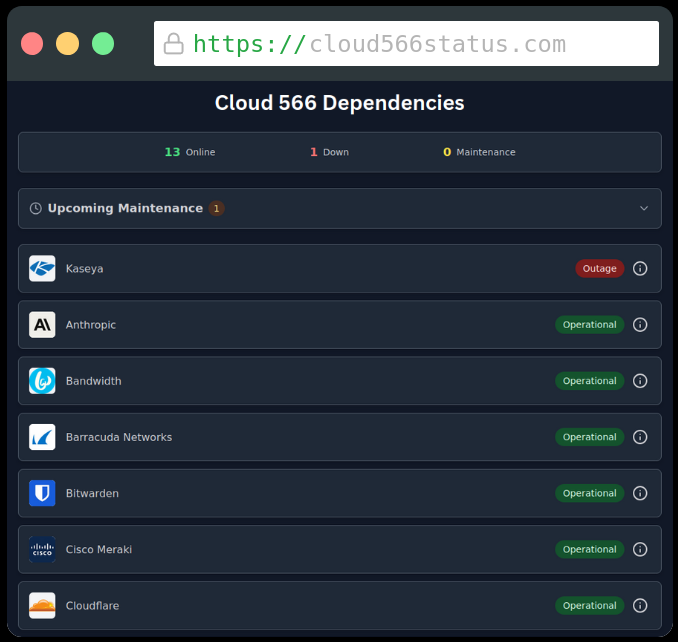
Get a Unified Status Page
Get an overall health summary of your third-party services on a dedicated subdomain. Dig deeper when required by clicking on individual services.
Summary of all services' health
See the overall status of all your services at a glance.
Historical trends
See historical availability for your third-party services.
Display individual components as cards
Display regions and components as cards with their own status and history.
Easily see affected components
Knowing which components are affected can help you understand the impact on your own services.
Password protect your status page
Protect your status page with a password to prevent unauthorized access.
Whitelabel your status page
Add your own branding and host it on your own domain.
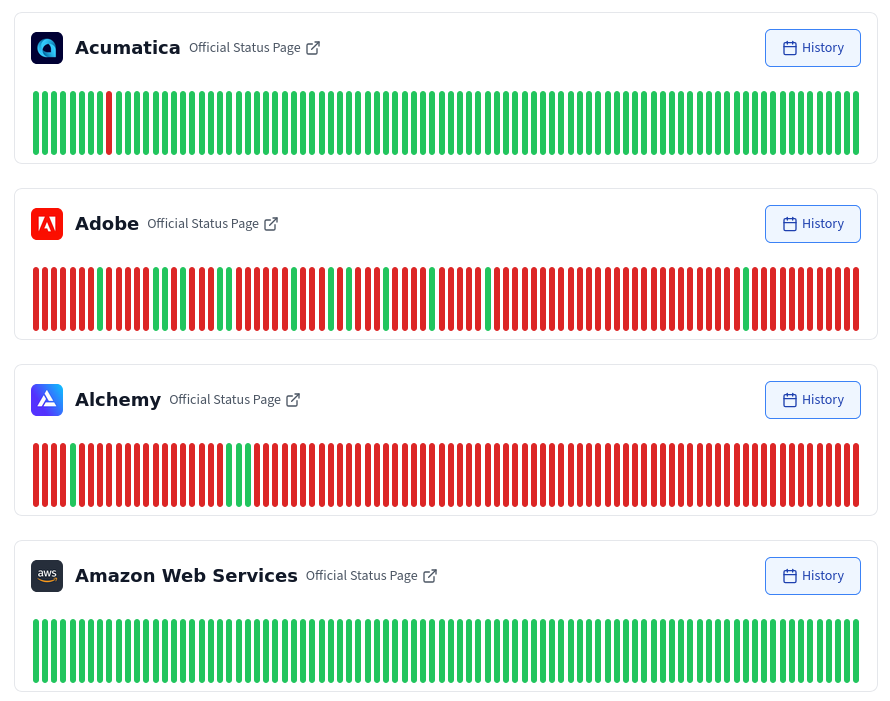
Analyze Historical Availability
Analyze historical availability for your third-party vendors for data-driven SLA and redundancy planning decisions.
All vendor uptime at a glance
See the overall status of all your services at a glance.
Uptime history auto-filtered by your components
Your incident timeline is auto-filtered by the components you select.
Complete incident timeline for each service
Evaluate cloud providers and SaaS vendors based on actual historical outage data.
Dig deeper into each incident
The incident timeline includes link to the official status page for the incident with complete details of the incident.
Route Alerts to the Right Team
Create multiple, independent teams - each with its own set of monitored services, alert filtering settings, historical trends, notification channels, and public status page. Perfect for larger organizations and teams with different alerting preferences.
Logical Team Separation
Map your organization's teams to IncidentHub Teams.
Team-Specific Alerting
Each Team has its own set of alert channels and alerting preferences.
Team-Specific Status Pages
Each Team has its own customized, branded status page.
What Our Users Say
Real Stories, Real Results with IncidentHub
Savas Vedova
Founder at Stormkit.io
Thomas U
Game Development Expert
Posts From the IncidentHub Blog

Product Update - July 2026
Product Update

IncidentHub Product Update - June 2026
Product Update