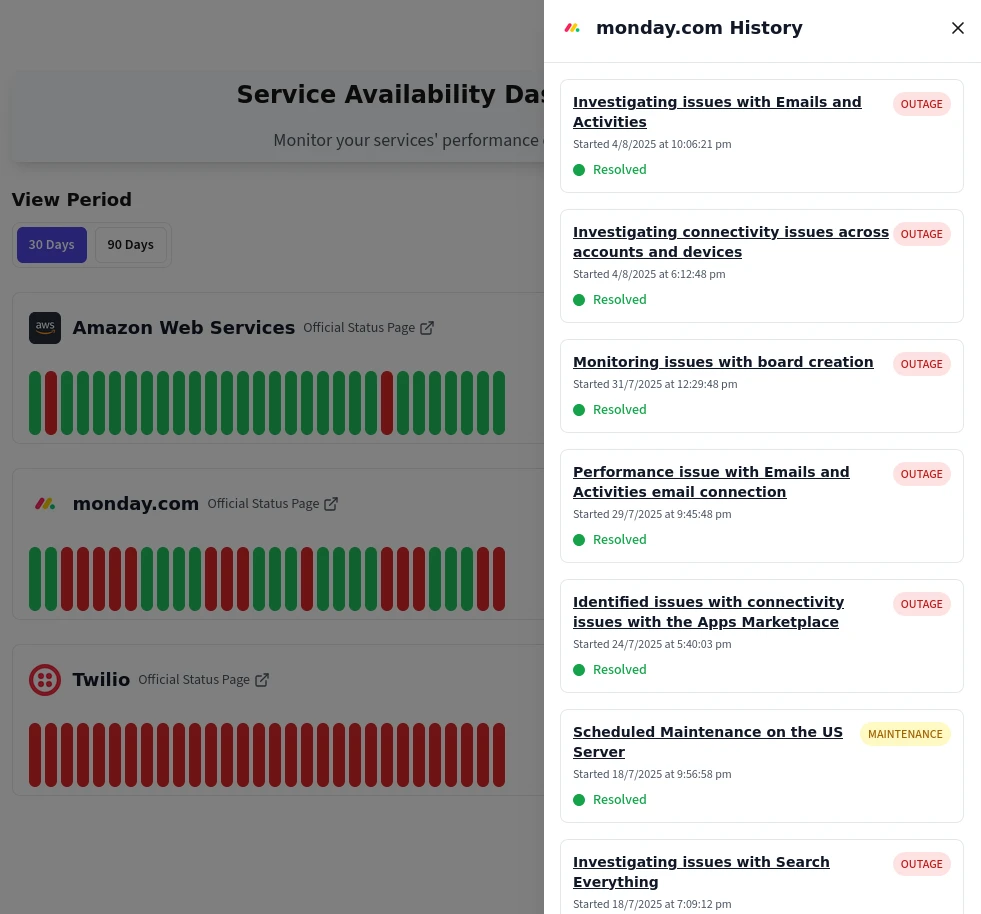
Cloud Outage Alerts in Microsoft Teams
Deliver real-time outage alerts in Microsoft Teams across your enterprise for AWS, Azure, Google Cloud, and 1125+ other mission-critical services. Centralize third-party alerts in Microsoft Teams with IncidentHub.
Features
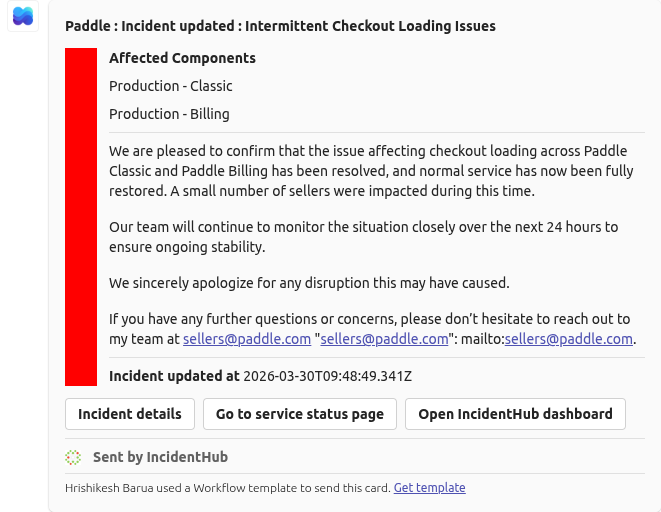
Centralized Outage Alerts in Microsoft Teams for Enterprise IT Operations
Consolidate outage monitoring across your enterprise technology stack. IncidentHub delivers real-time outage notifications in Microsoft Teams for AWS, Azure, Salesforce, SAP, and 1125+ mission-critical services in one centralized platform.
Centralized cloud alerts in Teams for multi-cloud environments (AWS, Azure, Google Cloud)
Monitor third-party alerts in Microsoft Teams for business-critical SaaS applications
Timestamped incident notifications with direct links to vendor status pages
Historical incident tracking for post-mortem analysis and vendor reviews
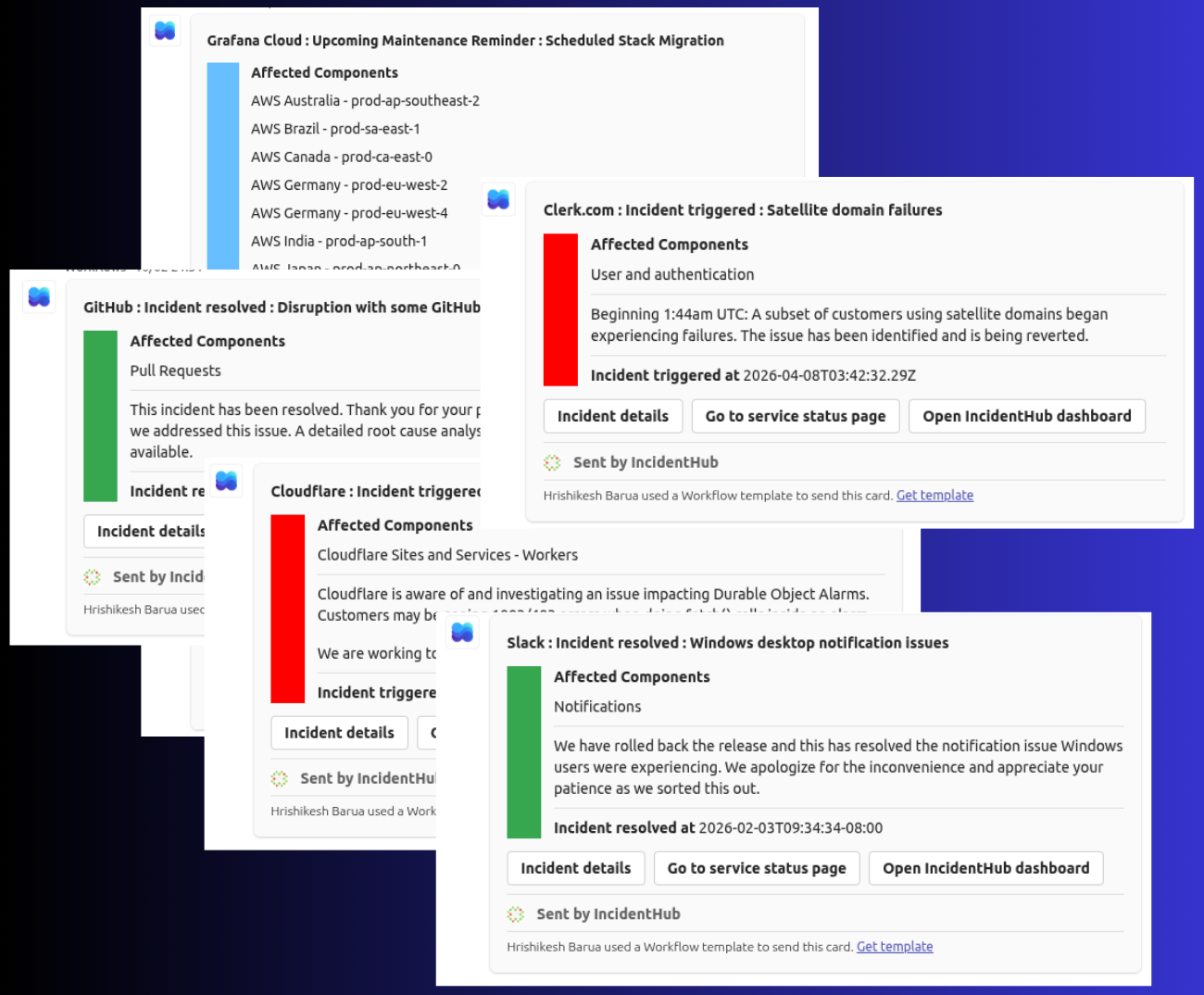
Route Business-Critical Alerts to Department-Specific Channels
Different departments need different alerts. Send Azure infrastructure alerts to IT operations, Salesforce outages to sales operations, and payment provider incidents to finance teams - each in their dedicated Microsoft Teams channels.
Configure multiple Microsoft Teams channels for different departments and service portfolios
Route cloud alerts in Microsoft Teams to infrastructure, third-party alerts to application owners
Each channel monitors independent service sets - no cross-contamination of alerts or alert configuration
Coordinated incident response with all stakeholders receiving relevant notifications
Receive alerts across devices - desktop, mobile, and tablet
Eliminate Alert Fatigue with Granular Cloud Alert Filtering in Microsoft Teams
Enterprise teams can't afford alert fatigue. Filter outage alerts in Teams by specific regions, components, incident lifecycle, and types. Monitor only what impacts your operations while maintaining visibility across your vendor ecosystem.
Geographic filtering - monitor only AWS us-east-1, Azure West Europe, or relevant regions
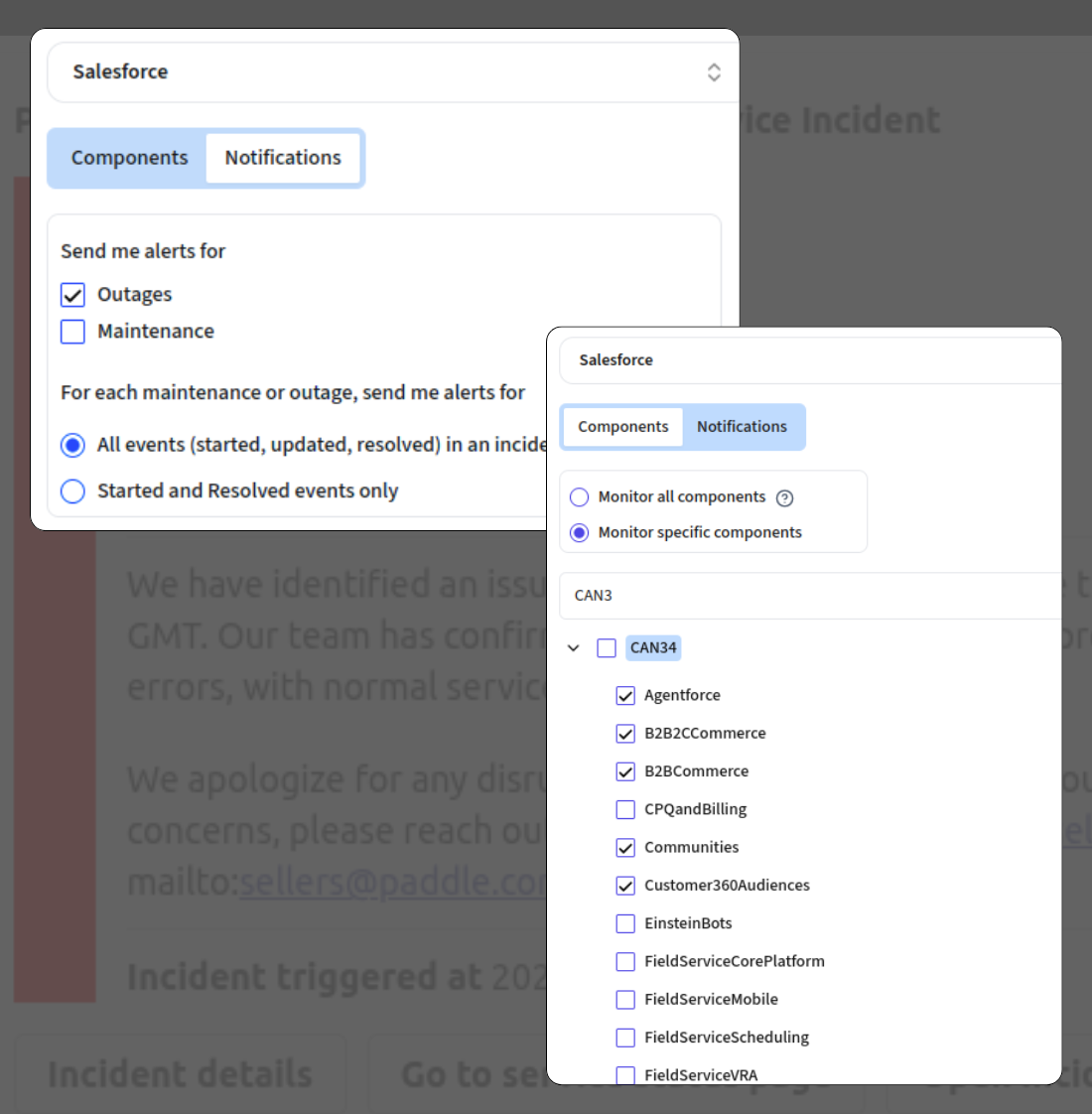
Component-level precision - track specific services like EC2, Azure SQL, or products in your Salesforce instance
Incident type control - suppress maintenance notifications, receive only outage alerts
Notification frequency options - full lifecycle updates or start/end only
Monitor Fortune 500 Technology Stacks with Third-Party Alerts in Microsoft Teams
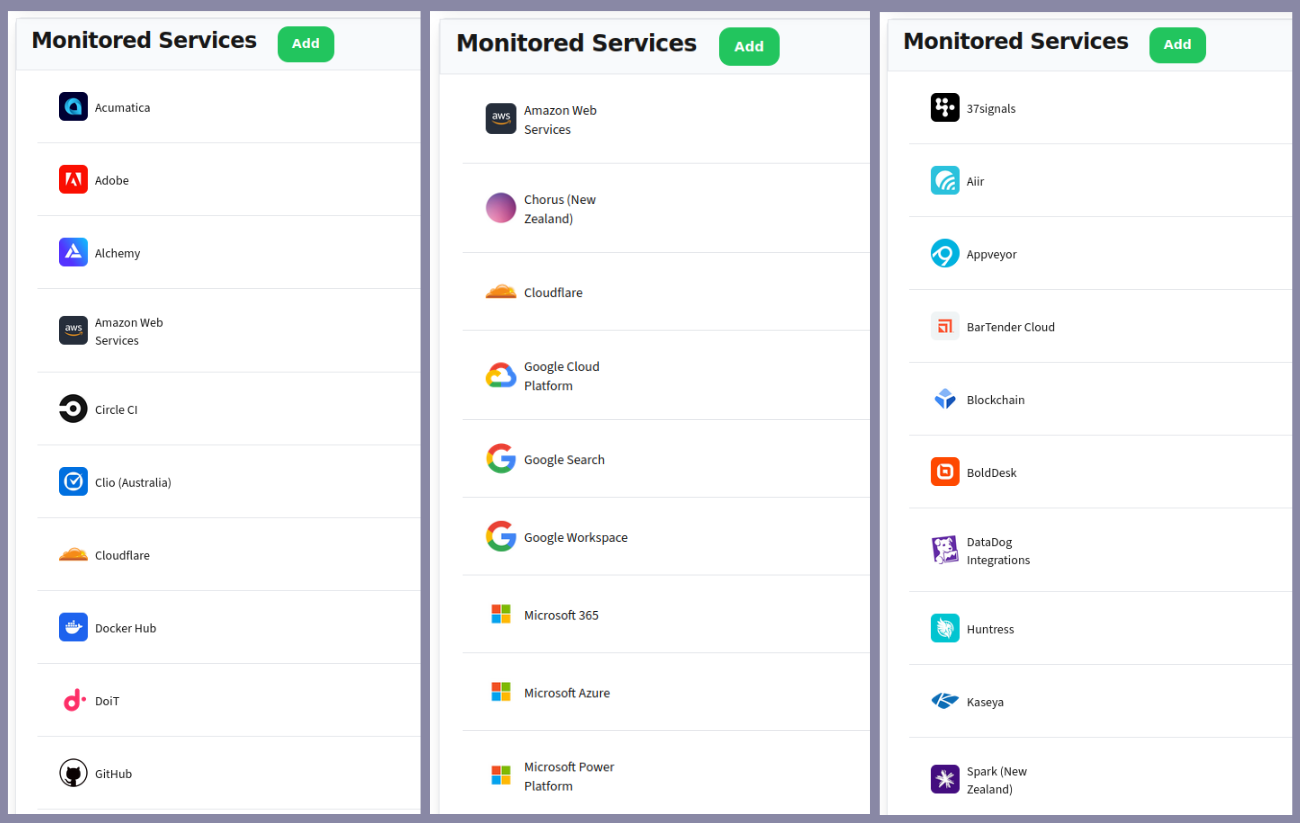
Enterprise-scale monitoring for complex technology ecosystems. Track AWS, Azure, Salesforce, SAP, Oracle, ServiceNow, Workday, and ${NUMBER_OF_SERVICES_MONITORED} other business-critical services from one Microsoft Teams integration.
Cloud alerts in Teams for multi-cloud: AWS, Azure, Google Cloud, Oracle Cloud
Ingest data from private cloud services like Infor CloudSuite, MS 365
Enterprise SaaS: Salesforce, SAP, Workday, ServiceNow, Microsoft 365, Adobe
Payment infrastructure: Stripe, PayPal, Adyen for revenue-critical systems
Security stack: Okta, CrowdStrike, Palo Alto Networks, Zscaler
Deploy Real-Time Outage Notifications in Microsoft Teams Across Your Organization
Enterprise-ready setup without lengthy implementation cycles. Connect Microsoft Teams, select your enterprise service portfolio, assign to channels, and begin receiving outage alerts immediately. Scale across departments as needed.
Microsoft Teams workspace integration in a couple of steps - no custom development required
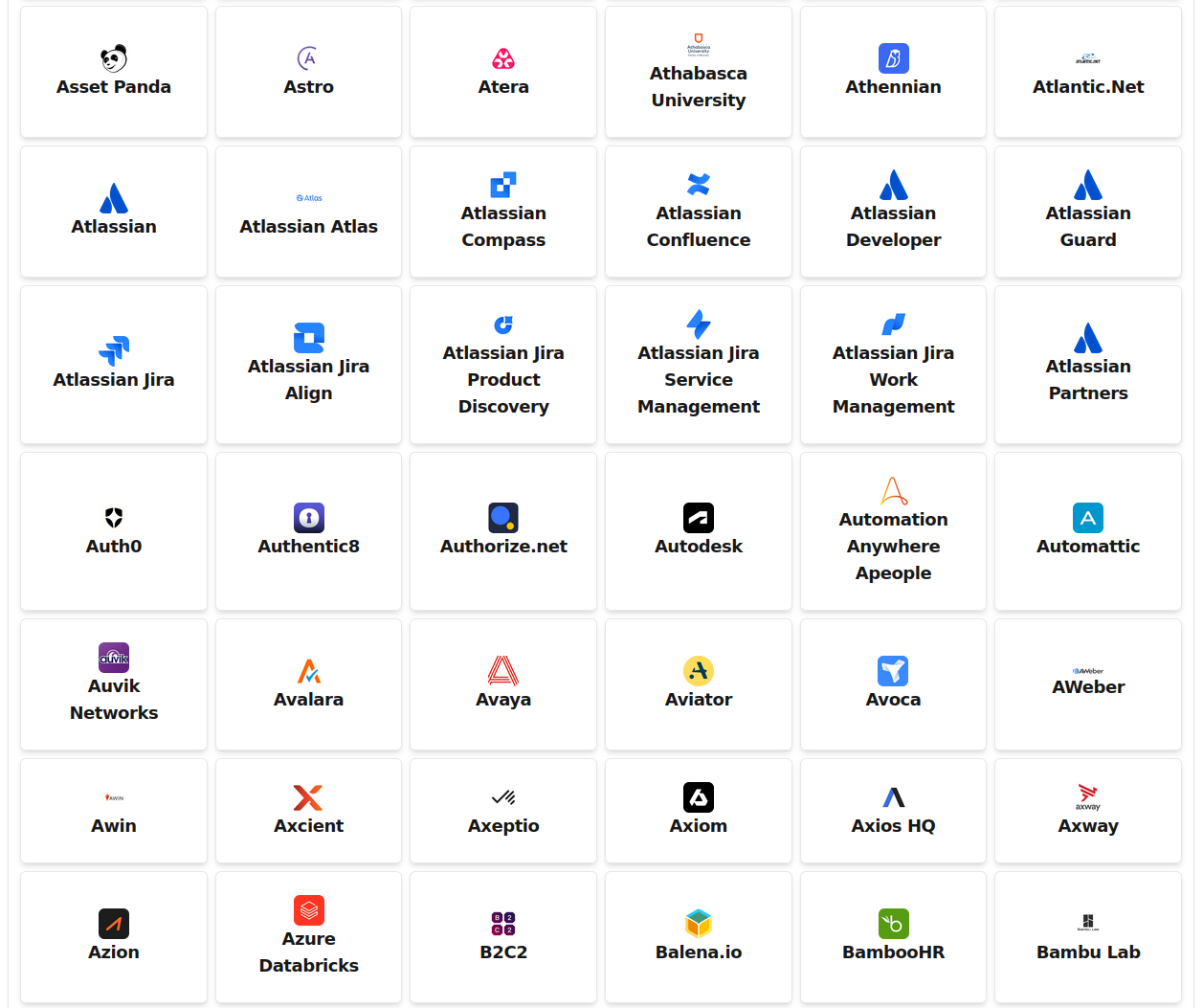
Select from 1125+ pre-configured enterprise cloud and SaaS services
Add services and channels as your organization scales - no per-channel fees
Test notifications to verify alert delivery before production rollout