Monitor the Status Pages Only You Can Access
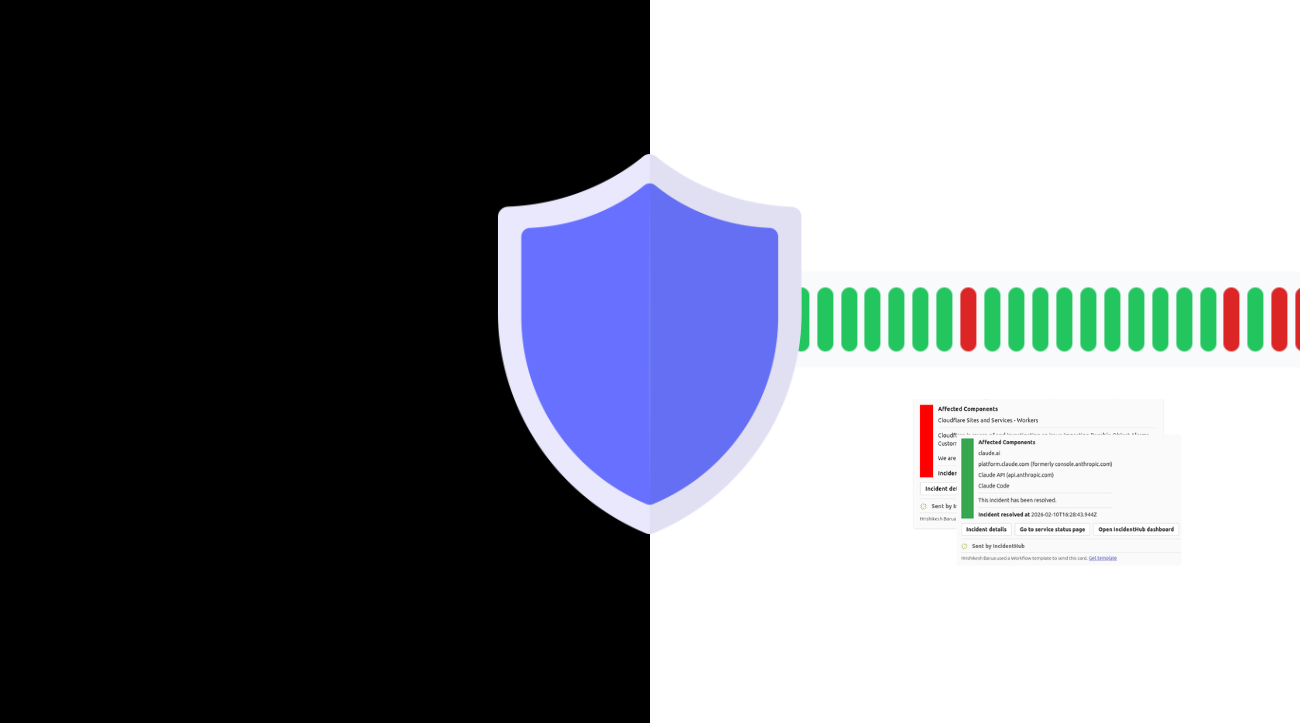
Enterprise cloud contracts often include access to private status APIs or SSO-protected status pages that give account-specific health information. IncidentHub monitors these private status pages for you along with your public ones.
Monitor Private Status Pages and APIs Seamlessly
IncidentHub can ingest data from private status endpoints that are accessible only to authorized users. You provide the URL and authentication mechanism; IncidentHub monitors it at the same cadence as public status pages and sends the alerts to all your configured channels.
For Enterprise IT Teams

Different from Public Status Page Monitoring
Secure Credentials Storage
Currently Supported Providers
How Private Status Page Ingestion Works
Configure URL and Authentication
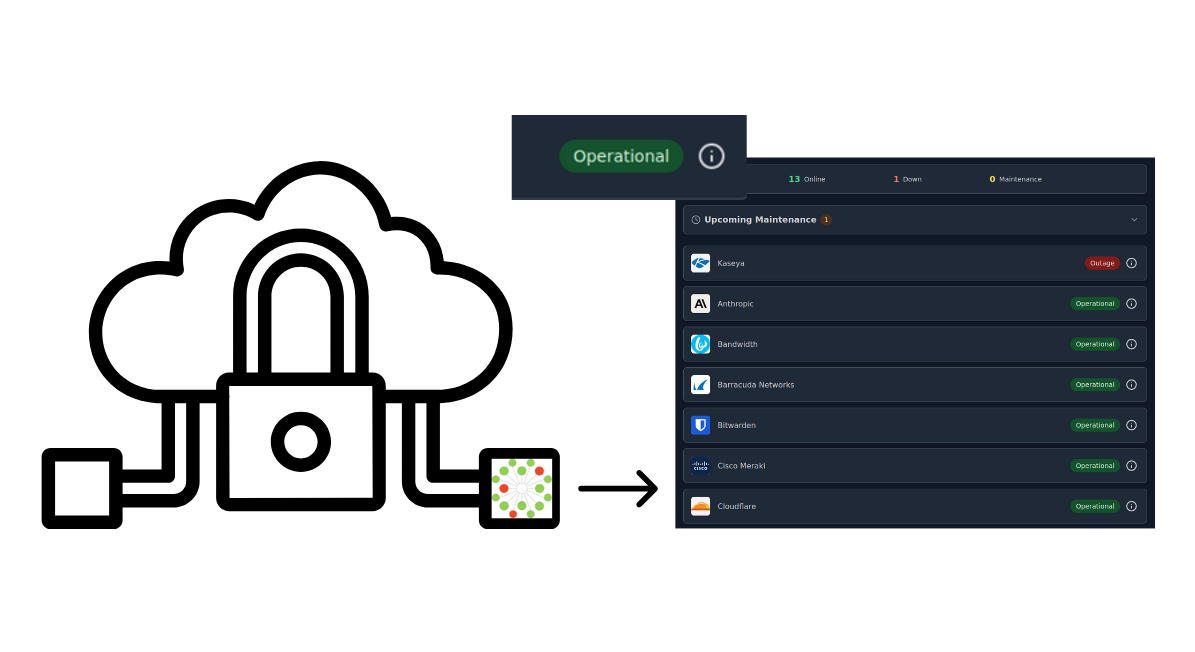
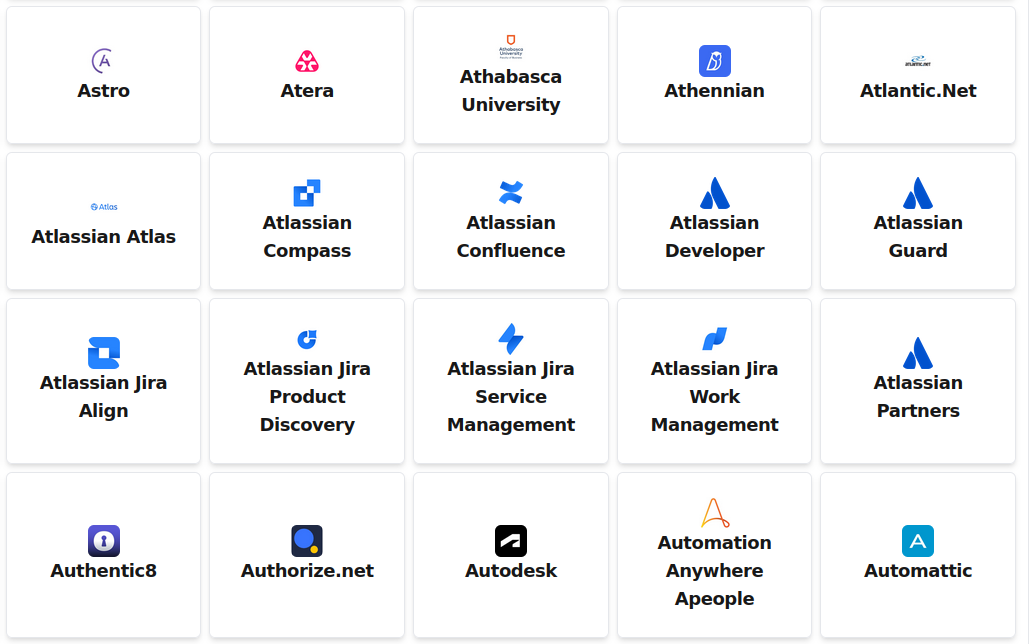
Provide the URL and authentication mechanism to IncidentHub. If your target platform supports OAuth (e.g. Microsoft 365), use industry-standard mechanisms to allow the required permissions to IncidentHub so that it can pull health data from your account. We can support custom/unsupported providers on request. Your data are securely stored in IncidentHub's encrypted database.
Fetch and Register Component Filters
IncidentHub fetches the components - if any - from the private status page API and shows them on the Add Service page/popup. You can configure the filters in the same way as for any other vendor.
Periodic Polling
IncidentHub periodically polls the private status page or API and fetches the data at the same cadence as for other services. You do not have to configure anything differently.
Route Alerts to the Right Channels
Route alerts to the right channels using the same alert filtering settings as for other services. Any incidents or maintenance events are send to your alert channels, and also show up on your public status page, as well as the availability dashboard and incident timelines.